Let people click
through it themselves
Turn a screen recording into an interactive demo, with branches, voiceover,
and lead capture, without rebuilding anything.


Record it once,
let anyone explore it
Capture a feature with the extension and Layerpath turns it into a guided, clickable tour, one you can personalize, branch, and measure.
Build it from a recording
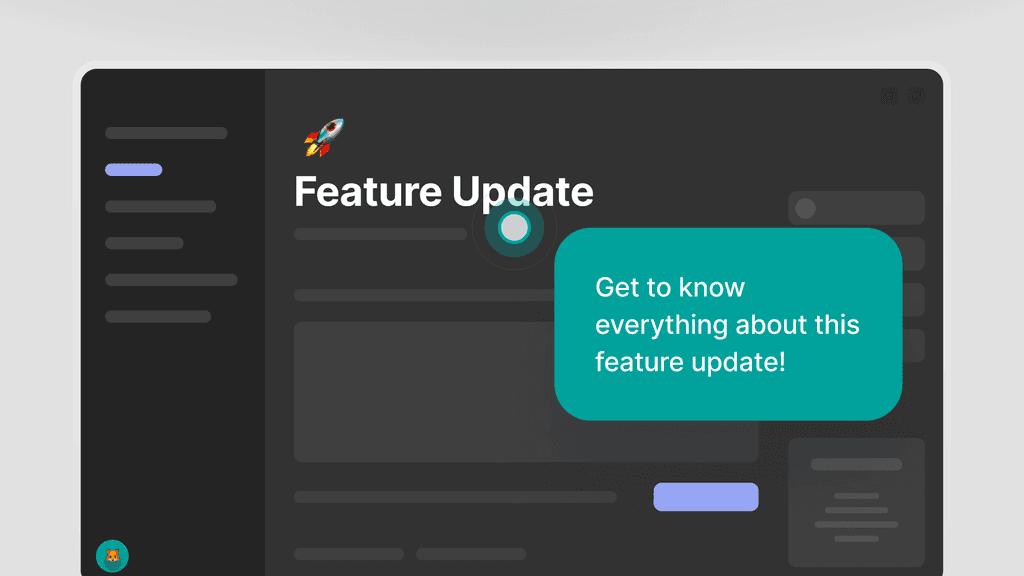
Record any feature with the Layerpath extension and it becomes an interactive tour. Guide viewers step by step, or tailor the path to each prospect, with no rebuilding.
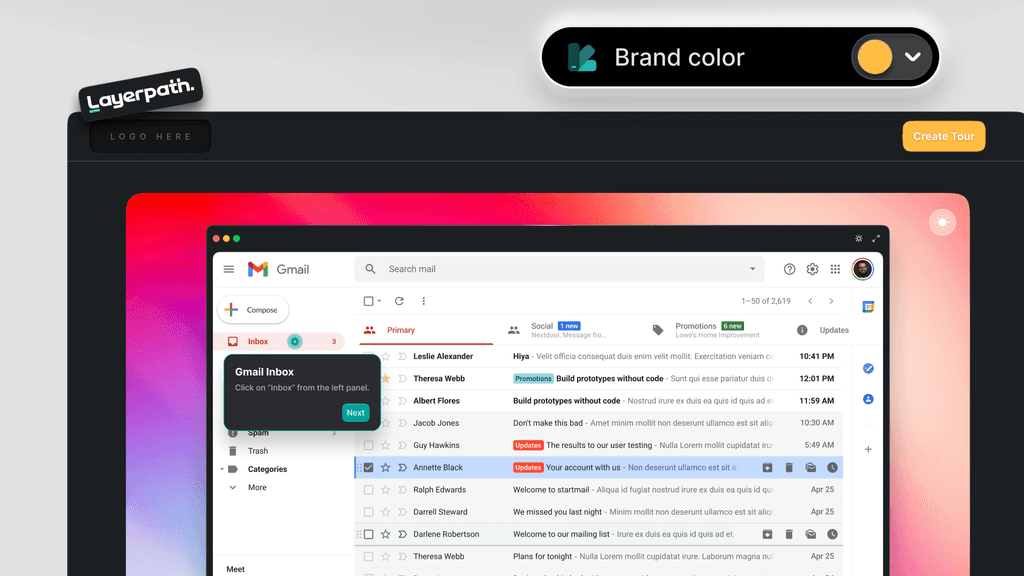
Make it look and sound like you
Match hotspots and callouts to your brand's colors, tone, and style. Shape different versions for different segments, so each viewer meets the demo meant for them.
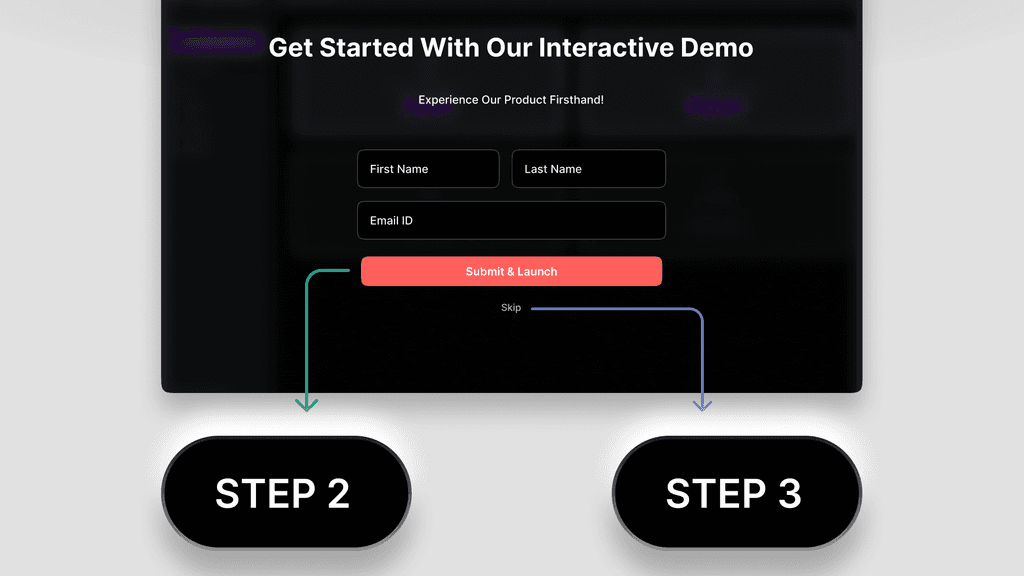
Let viewers choose their path
Add clickable branches so people reach the part they came for. Everyone gets the walkthrough that fits them, in the order that makes sense to them.
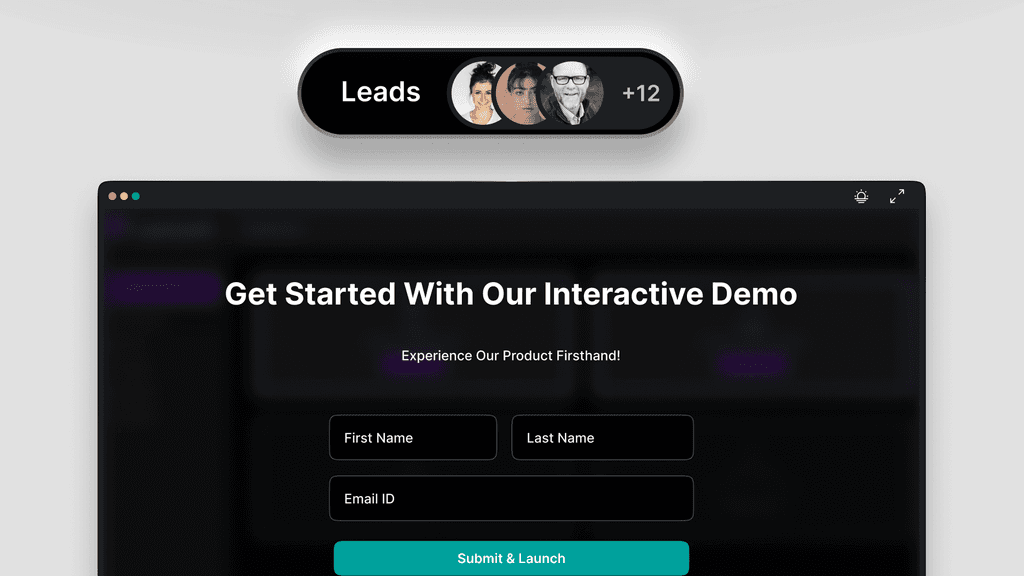
Capture interest inside the demo
Drop a form into the flow and collect lead details while attention is high, ready for follow-up the moment someone raises their hand.
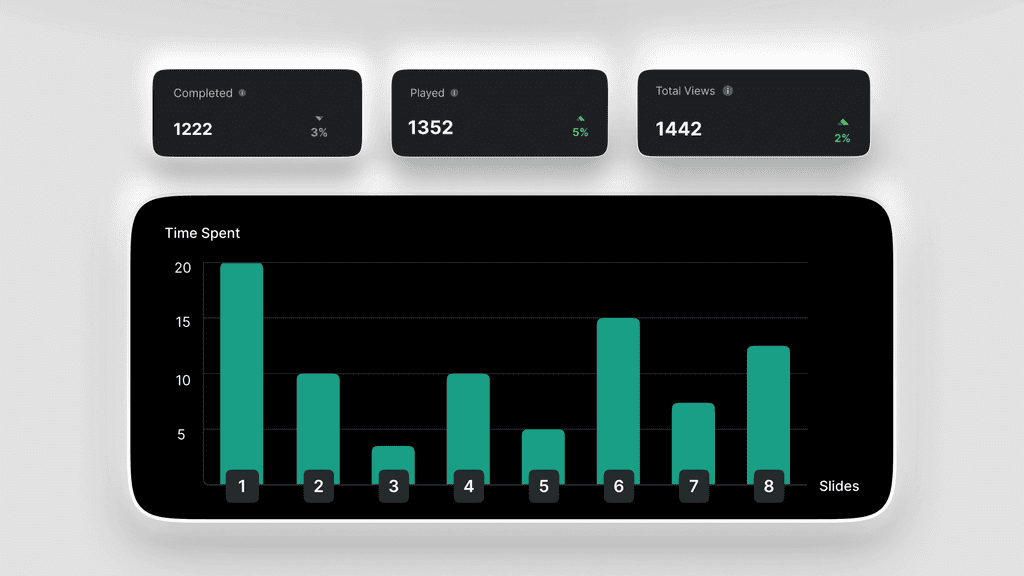
See where attention goes
Track how people move through each tour, find where they drop off, and sharpen the demo where it matters most.
Frequently asked questions
What is an interactive demo?
A clickable product tour built from a screen recording. Viewers drive it themselves, moving through the flow at their own pace instead of watching a fixed video.
How do I create an interactive demo?
Record a feature with the Layerpath extension and it becomes an interactive tour. You shape the steps, callouts, and hotspots in the editor, then share it anywhere.
Can I personalize the demo for different viewers?
Yes. Match hotspots and callouts to your brand's colors, tone, and style, and shape different versions for different segments so each viewer meets the demo meant for them.
Can viewers choose their own path?
Yes. Add clickable branches so people reach the part they came for, in the order that makes sense to them.
Can I capture leads inside the demo?
Yes. Drop a form into the flow and collect lead details while attention is high, ready for follow-up the moment someone raises their hand.
Can I see how people engage with the demo?
Yes. Insights track how people move through each tour and where they drop off, so you can sharpen the demo where it matters most.
How do I turn a screen recording into an interactive demo?
Record the feature with the Layerpath extension and it becomes a guided, clickable tour automatically. You can then personalize it, branch it, and measure it, without rebuilding anything.
Is there a free way to create an interactive demo?
Yes. Interactive tours and guides are included on every plan, including Free. Free lets you publish 3 projects at a time. Pro and Team have no publish limit.
Make a demo people can drive
Capture a flow, shape it into an interactive tour, and share
it anywhere: your site, your product, or an email.