AI-powered Interactive Demo Voicovers
Elevate your demos with AI-powered narration
Take your demo engagement to the next level by adding AI walk-through texts and voice overs. Simply provide the context of your demo and our AI technology will generate the appropriate text and voice overs providing an engaging learning experience for your audience.

AI-powered Interactive Demo Voicovers
Elevate your demos with AI-powered narration
Take your demo engagement to the next level by adding AI walk-through texts and voice overs. Simply provide the context of your demo and our AI technology will generate the appropriate text and voice overs providing an engaging learning experience for your audience.
AI-powered Interactive Demo Voicovers
Elevate your demos with AI-powered narration
Take your demo engagement to the next level by adding AI walk-through texts and voice overs. Simply provide the context of your demo and our AI technology will generate the appropriate text and voice overs providing an engaging learning experience for your audience.
Customize your video end to end
Layerpath allows you to create three different types of demos - interactive tours, step-by-step guides and captivating videos, all from one single recording. And with our AI content generator, you can create a narrative text and voiceover for your demo and keep your audience engaged from start to finish.
Capture Once. Showcase in three formats.
Layerpath allows you to create three different types of demos - interactive tours, step-by-step guides and captivating videos, all from one single recording. And with our AI content generator, you can create a narrative text and voiceover for your demo and keep your audience engaged from start to finish.
Capture
Capture
Capture
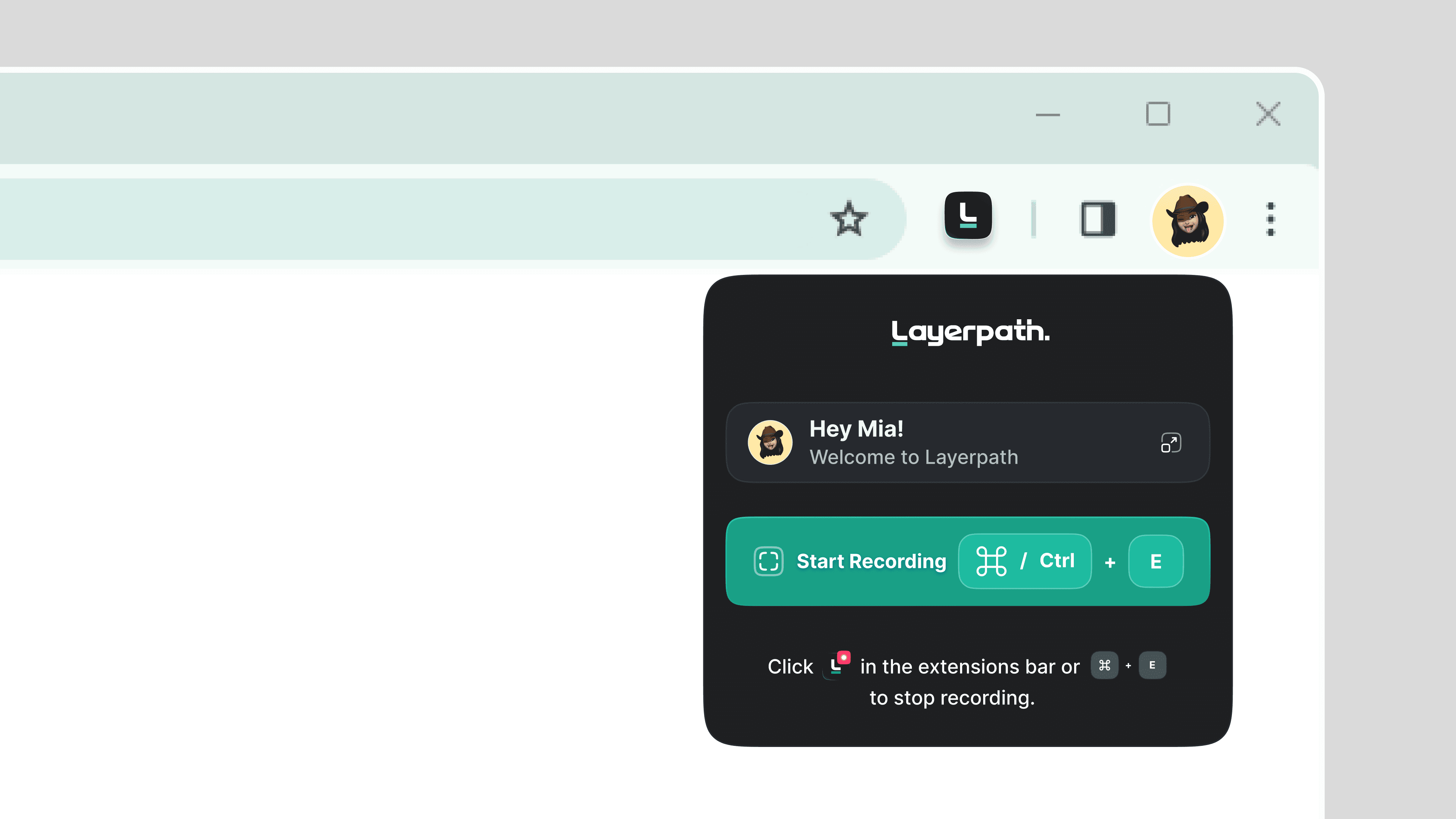
Use Layerpath extension to record product screen effortelssly. Layerpath will generate your demo in three different formats, all in one single dashboard and you conveniently switch between formats.
Use Layerpath extension to record product screen effortelssly. Layerpath will generate your demo in three different formats, all in one single dashboard and you conveniently switch between formats.
Use Layerpath extension to record product screen effortelssly. Layerpath will generate your demo in three different formats, all in one single dashboard and you conveniently switch between formats.
Customize
Customize
Customize
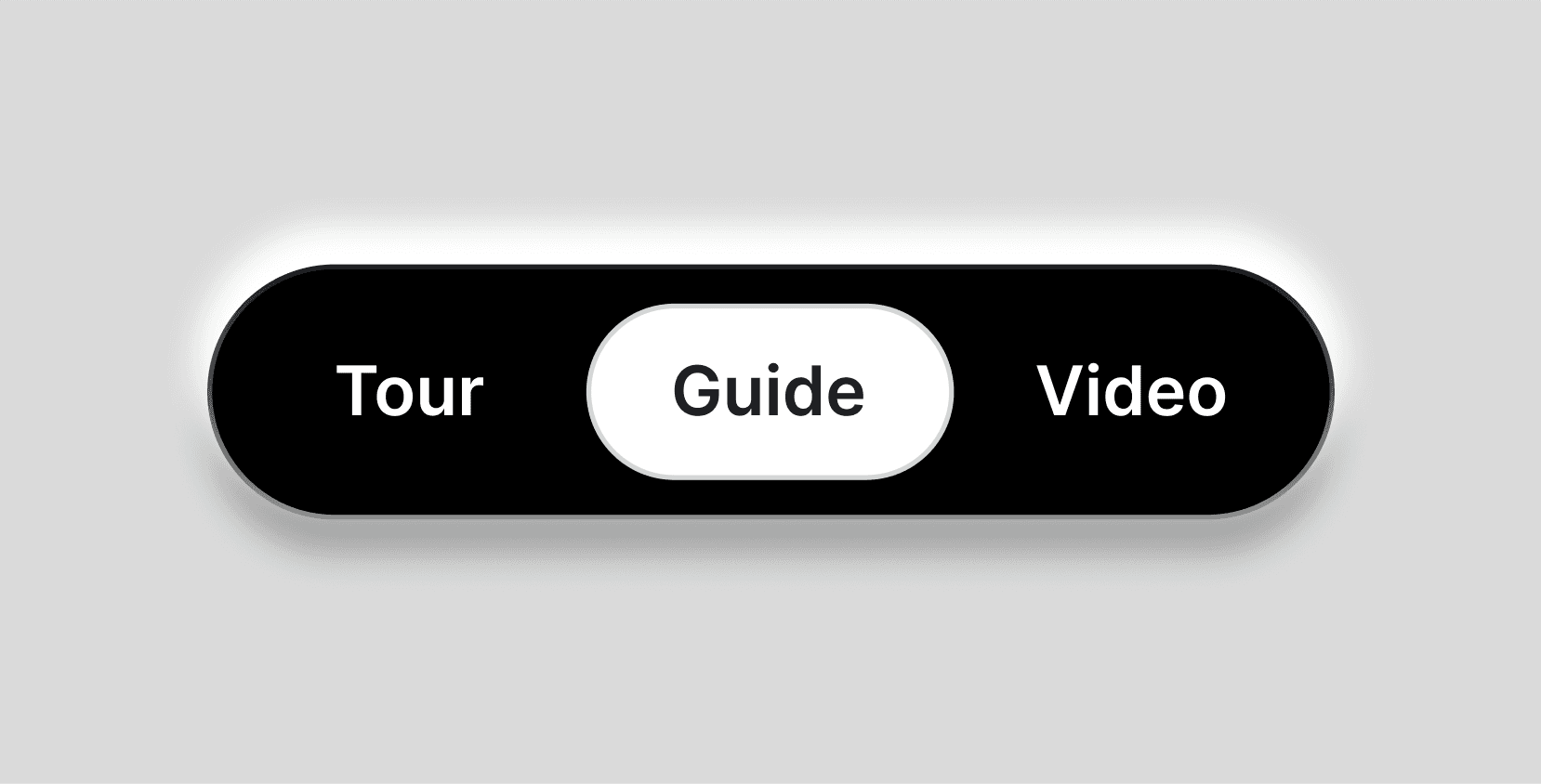
Choose the demo type you want - interactive product tour, detailed how-to guide or a stunning video. Tailor the demo to align with your audiences’ preferences and interests and also to match your brand’s style and tone.
Choose the demo type you want - interactive product tour, detailed how-to guide or a stunning video. Tailor the demo to align with your audiences’ preferences and interests and also to match your brand’s style and tone.
Choose the demo type you want - interactive product tour, detailed how-to guide or a stunning video. Tailor the demo to align with your audiences’ preferences and interests and also to match your brand’s style and tone.
Work with AI
Work with AI
Work with AI
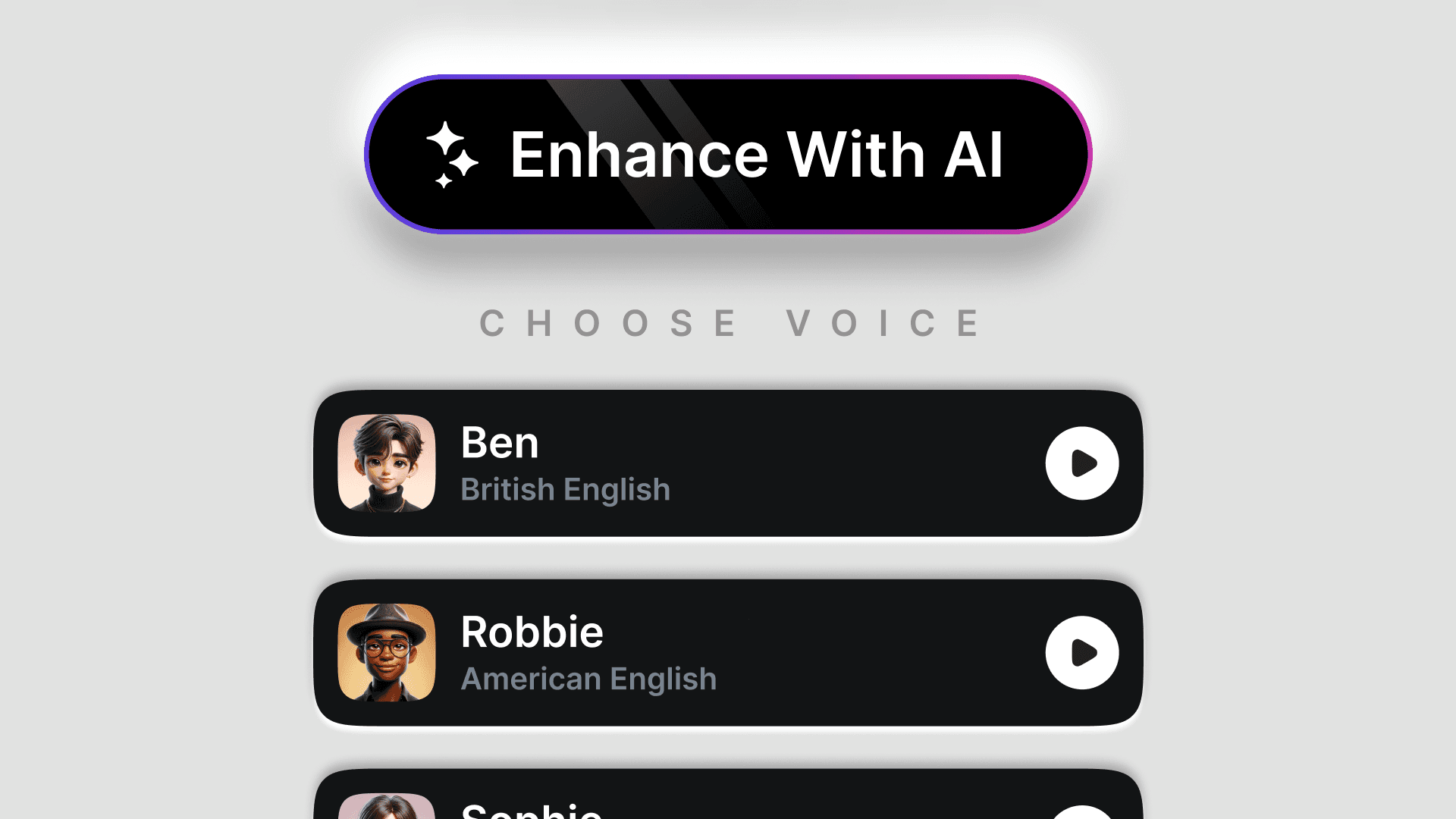
Provide the context of your demo to our advanced AI system, and it will analyze and generate the right texts and voiceovers for your demo, making it an engaging experience for your audience.
Provide the context of your demo to our advanced AI system, and it will analyze and generate the right texts and voiceovers for your demo, making it an engaging experience for your audience.
Provide the context of your demo to our advanced AI system, and it will analyze and generate the right texts and voiceovers for your demo, making it an engaging experience for your audience.
Customize your video end to end
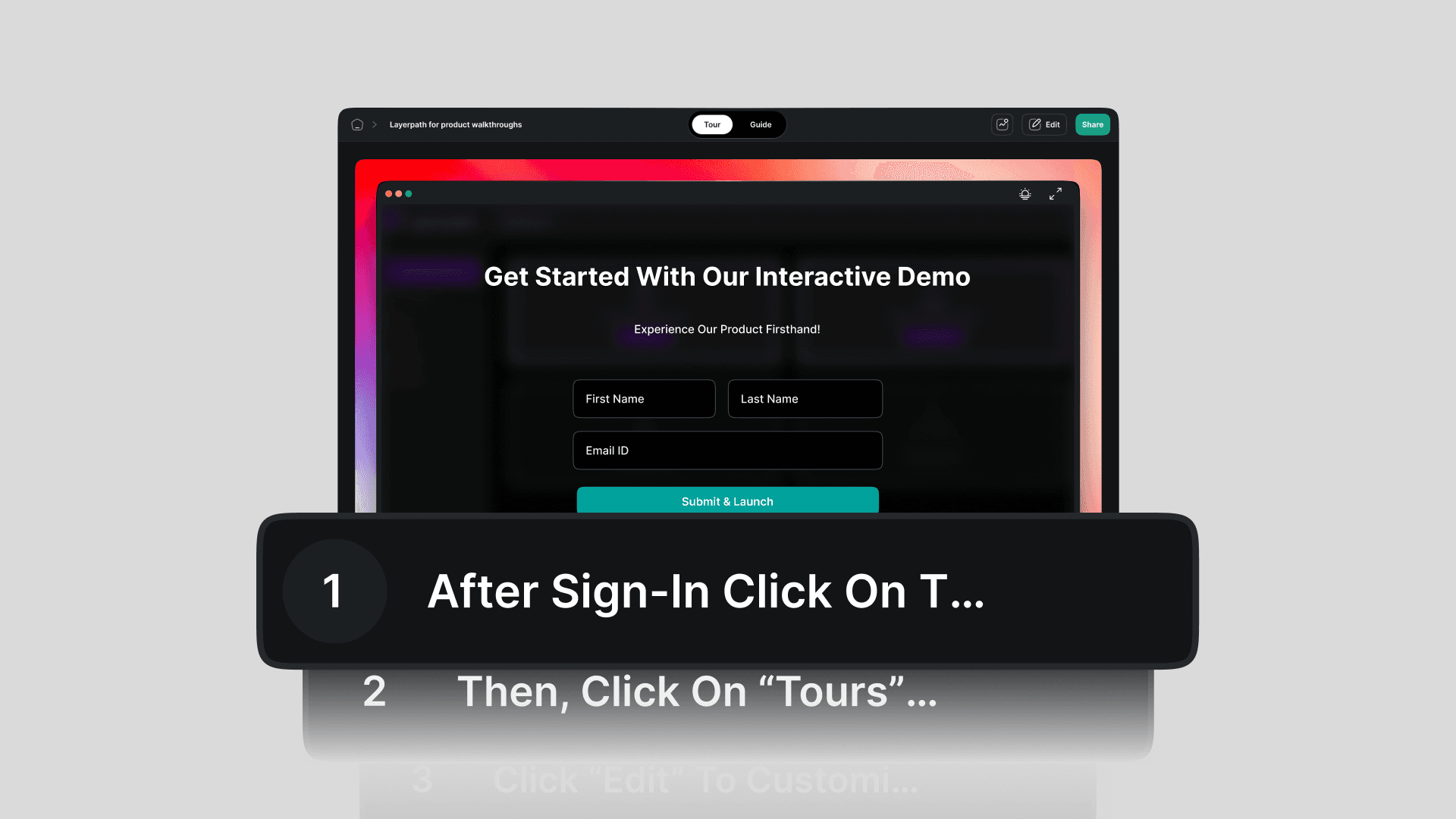
Tailor your videos with various customization options and provide an immersive learning experience to your audience.
Start creating captivating videos today
Talk to our product experts to learn how Layerpath can streamline your sales efforts
Why choose AI-powered narration?
Save time
Say goodbye to spending hours to record voiceovers - Do the magic with our AI!
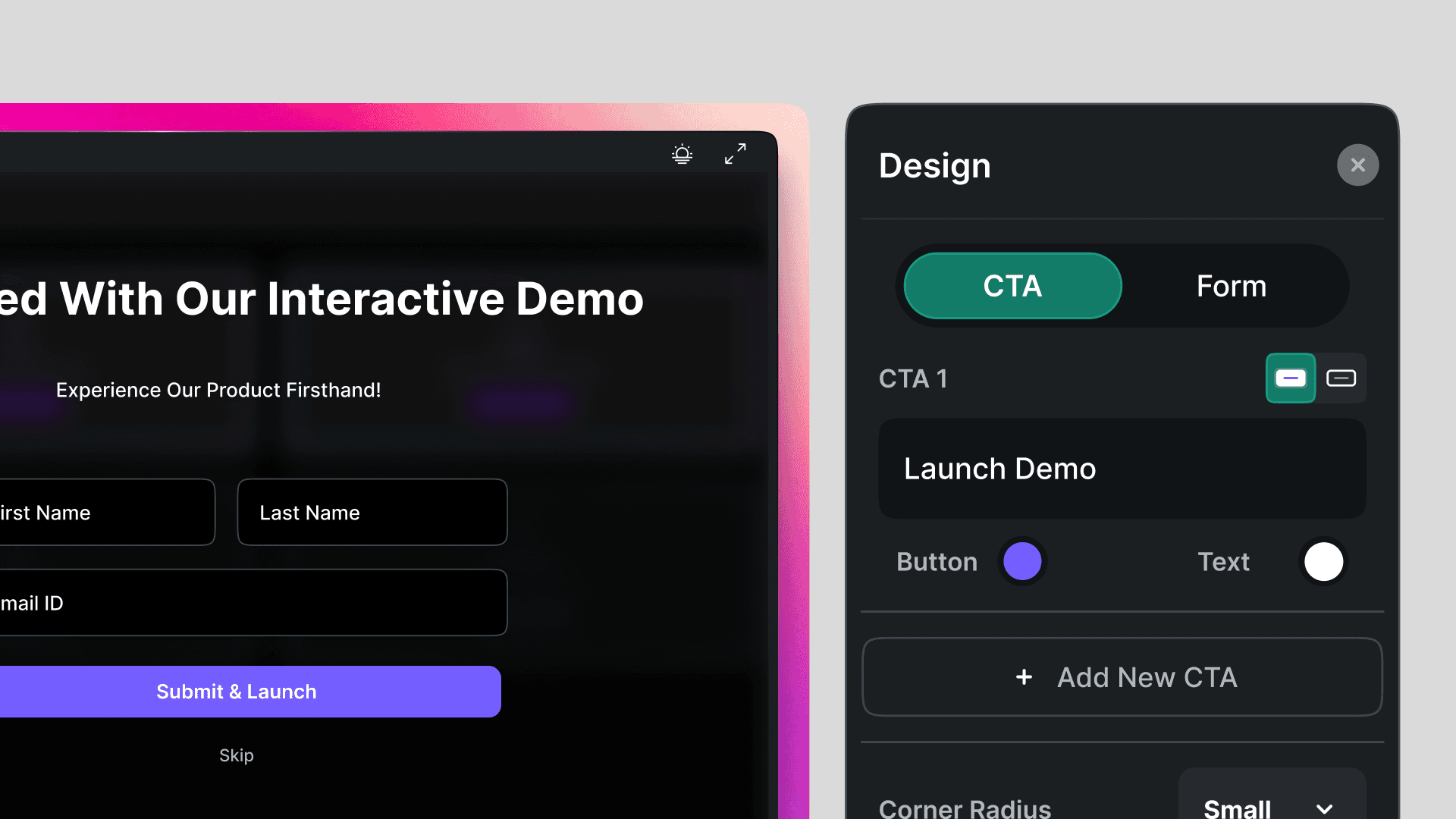
High-quality demos
Increase the impact of your demos by choosing from a wide range of voiceovers.
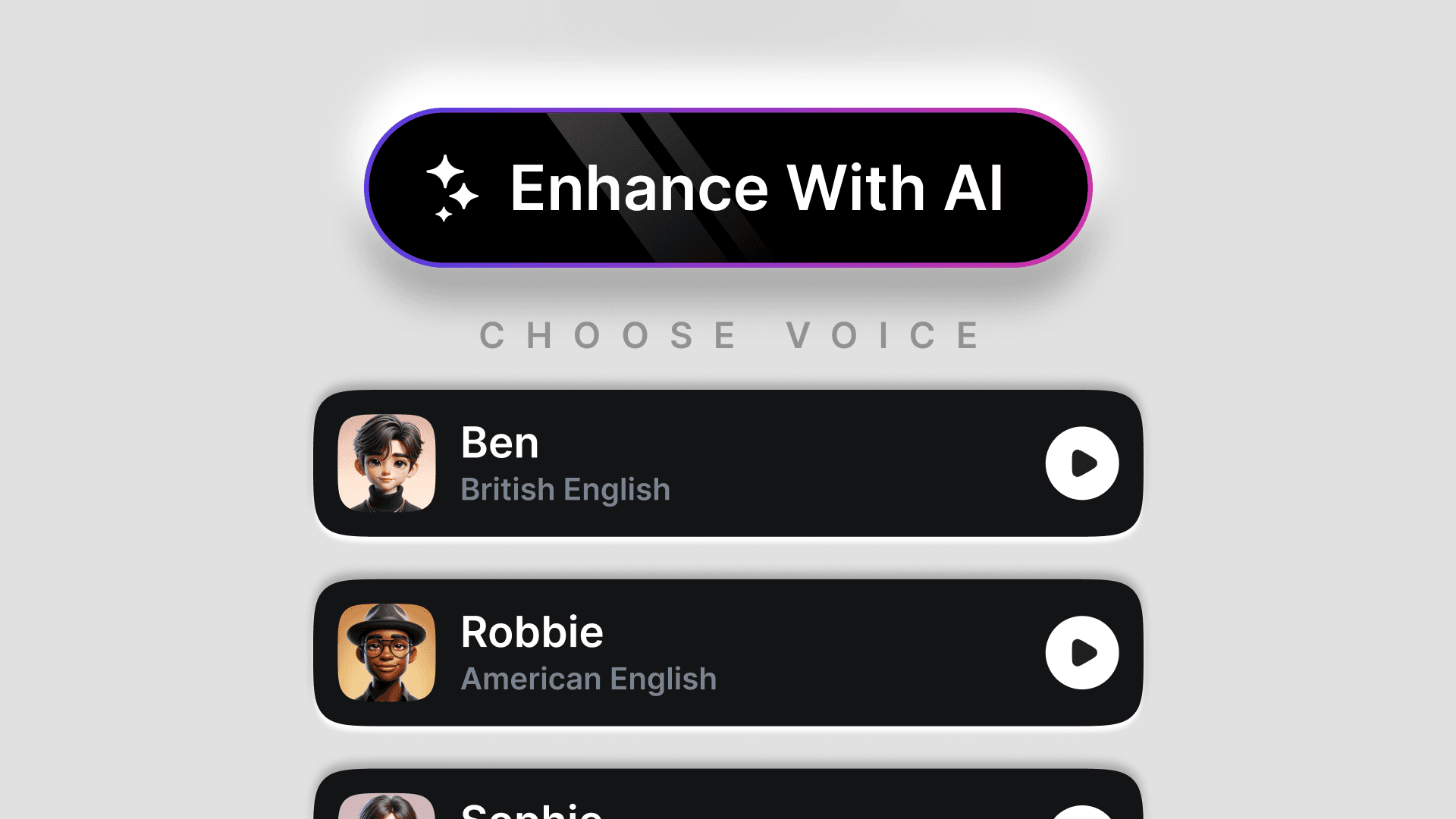
Improved engagement
Ensure consistency in narration across different demos by adding AI voiceovers.
Why choose AI-powered narration?
Save time
Say goodbye to spending hours to record voiceovers - Do the magic with our AI!
High-quality demos
Increase the impact of your demos by choosing from a wide range of voiceovers.
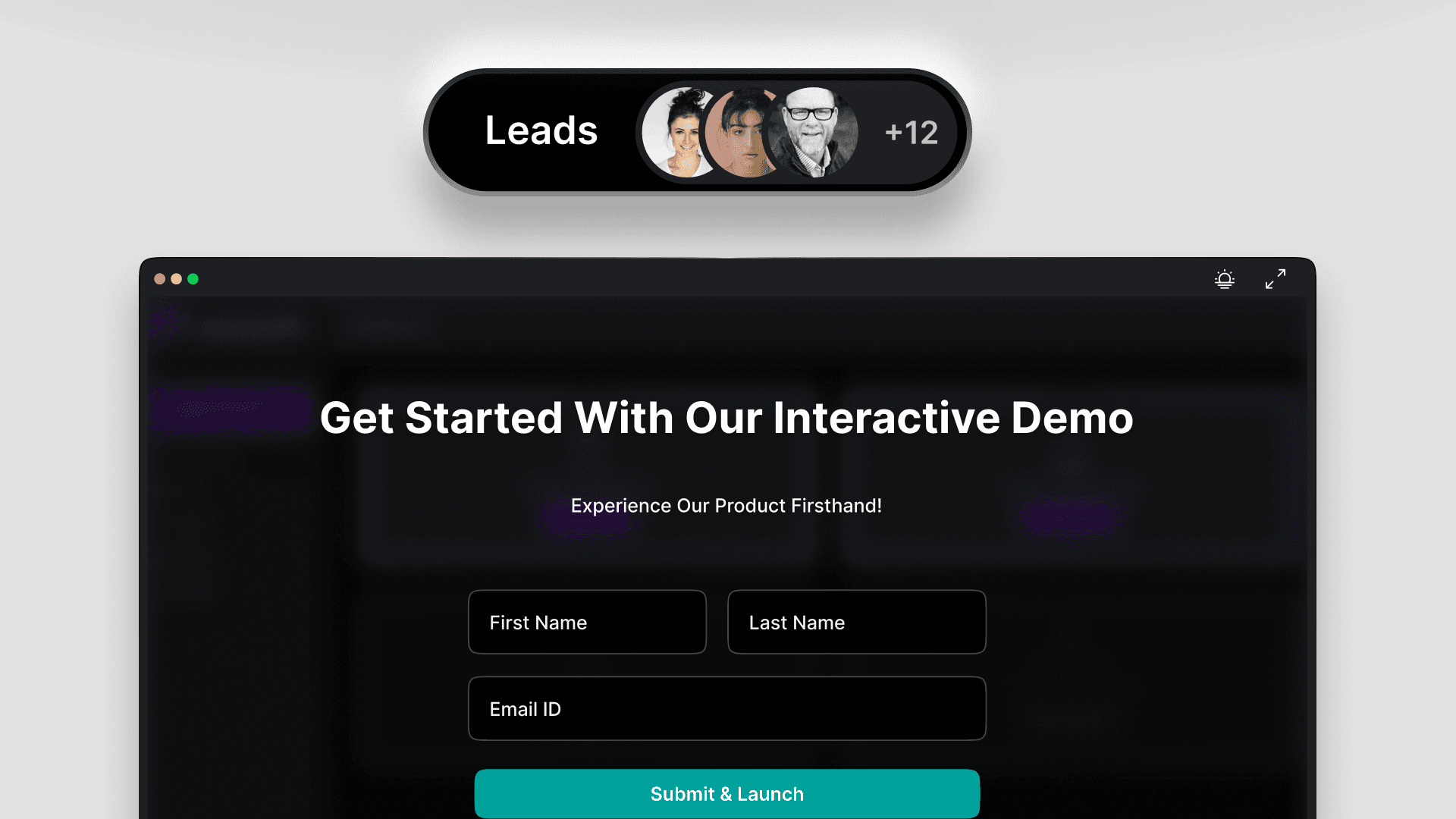
Improved engagement
Ensure consistency in narration across different demos by adding AI voiceovers.
Ensure consistency in narration across different demos by adding AI voiceovers.
Experience the power of AI-powered narration with Layerpath
Experience the power of AI-powered narration with Layerpath
Talk to our experts to know how to elevate your demos with AI-narrated expertise.