Edit your walkthroughs
with a prompt.
Edit with Agent is the prompt-based editing layer inside Layerpath. Type what you want changed, pick a quick action, or apply edits across the whole demo.
Edit with Agent

The editor for everything
after recording.
Instead of clicking through every step and editing by hand, you describe the change you want. Edit with agent reads it, shows you what will change, and applies it when you approve.
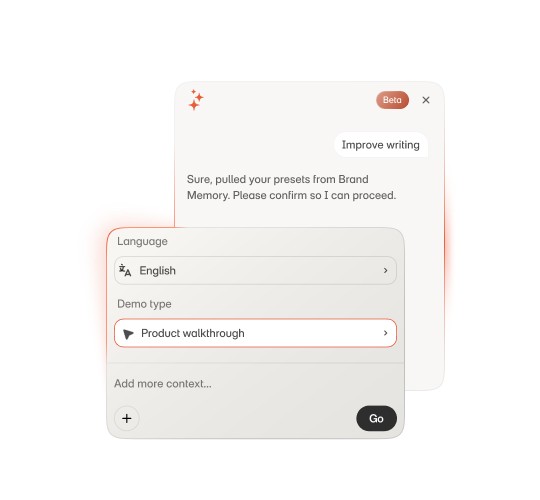
Rewrite the writing
Tighten long callouts. Sharpen weak titles. Adjust tone for sales, onboarding, or training. Fix grammar and clarity across every step.
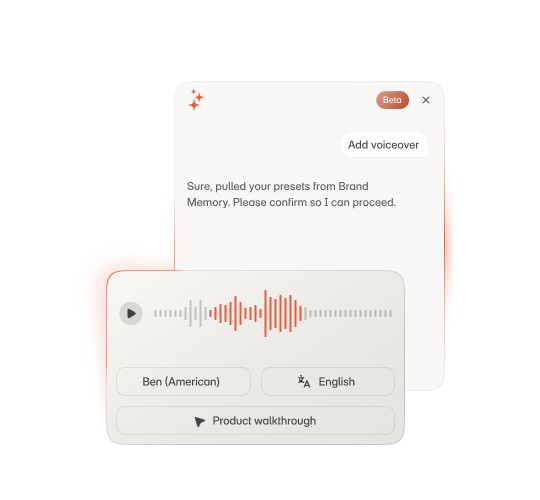
Add voiceover
Generate narration from your step text. Add audio to one step, regenerate it across the demo, or change the voice profile when the brand voice changes.
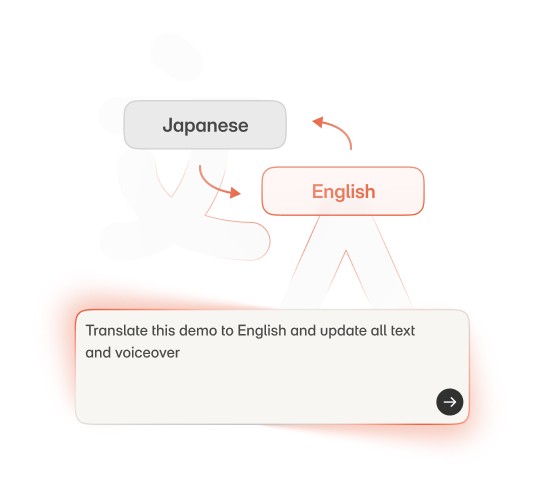
Translate the demo
Translate step text, callouts, and voiceover into another language in one pass. Ship the same demo in English, Spanish, French, and Japanese without rebuilding it four times.
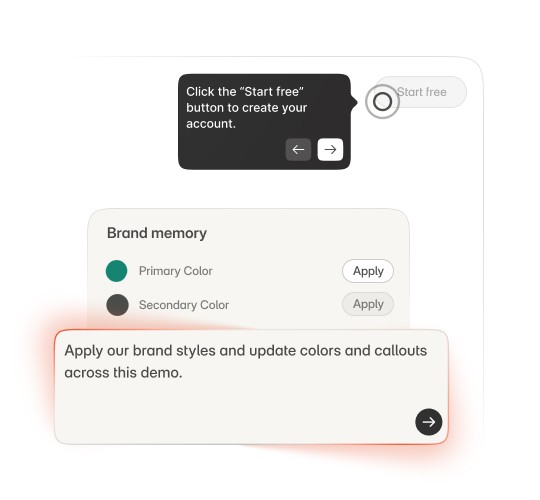
Match your Brand memory
Update callout colors, tone, and visual style so the demo feels consistent with your brand. Edit with agent uses Brand memory to keep tone and visual style consistent.
Adapt for any audience
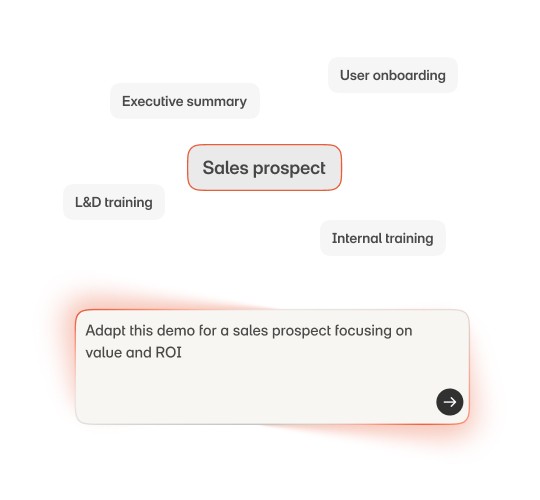
Same source demo, different versions. Rewrite for sales prospects. Simplify for new users. Reframe for an internal training session. Edit with agent changes the framing without duplicating the work.
Frequently asked questions
What is Edit with Agent?
It is the prompt-based editing layer inside Layerpath. Instead of editing every step by hand, you describe the change you want, preview it, and apply it before it goes live.
What kinds of edits can Agent make?
It can rewrite the copy, add voiceover, translate the tour, match your Brand memory, and adapt the same tour for a different audience.
How do I translate my tour into another language?
Ask Agent to translate and it updates the step text, callouts, and voiceover in one pass, so you ship the same tour in another language without rebuilding it.
Can I make different versions for different audiences?
Yes. From one source tour you can create cleaner, sharper versions for sales, onboarding, or training without duplicating the work.
Will editing change my original recording?
No. Edits create new versions and your original stays intact, so you can keep creating from the same source.
How do I edit a product demo without redoing every step?
Describe the change you want and Agent applies it to a single step or across the whole tour in one pass.
Can I preview demo edits before they go live?
Yes. Agent shows you what will change and applies it only when you approve.
How do I keep an edited demo on brand?
Edit with Agent uses your Brand memory to keep callout colors, tone, and visual style consistent with your brand.
Create once. Keep editing.
Turn one captured tour into cleaner, sharper
versions with Edit with Agent.