Start with what you
already have
Add images, video, a Loom link, or media from your library. Tell Agent the audience and outcome, then get an editable tour with ordered steps, callouts, and an optional voiceover.
Create with Agent

From source material to a project you can shape
Source shows what happened. Intent explains what matters. Agent uses both to assemble an editable project without locking you into its decisions.
Choose a source
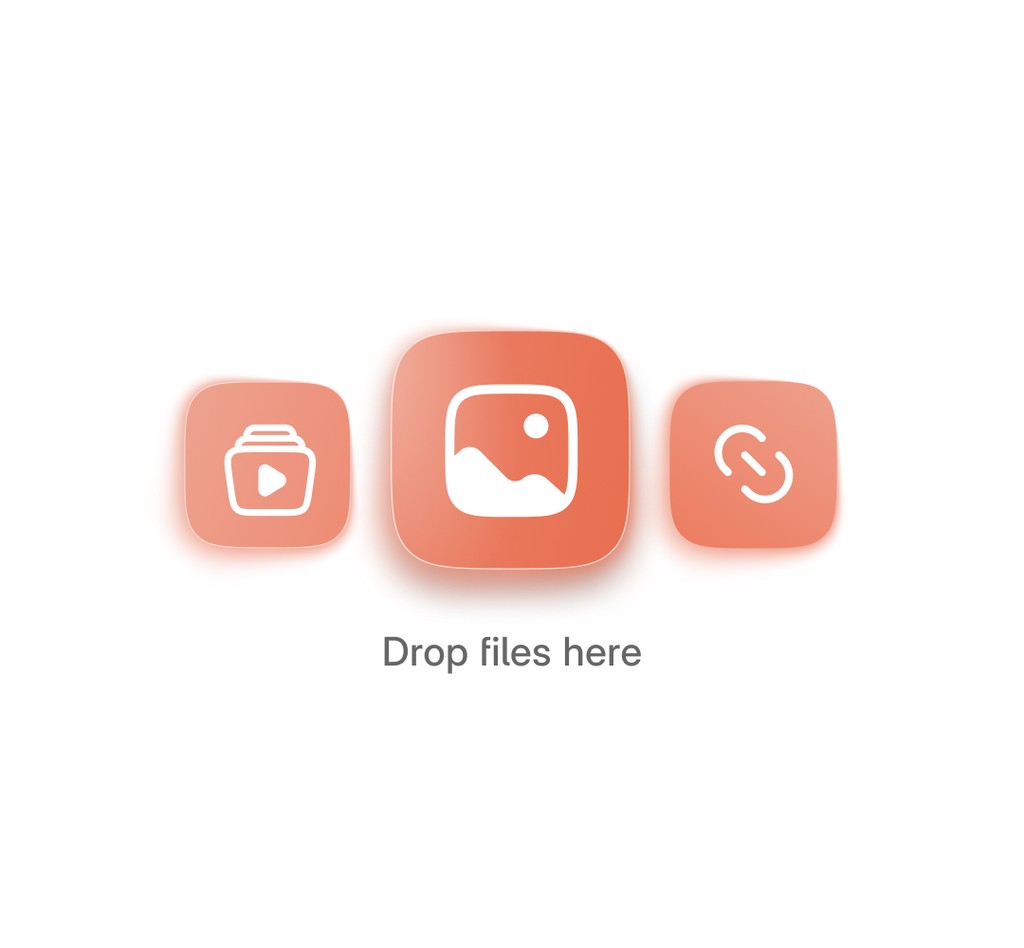
Start with images or video from your device, media already saved in your Layerpath library, or a Loom link. Add more than one source when the workflow spans several files.
Import a Loom link
Paste a Loom link to an existing recording. Agent uses that recording as source material, so you can create an editable Layerpath project without recording the workflow again.

Describe the viewer outcome
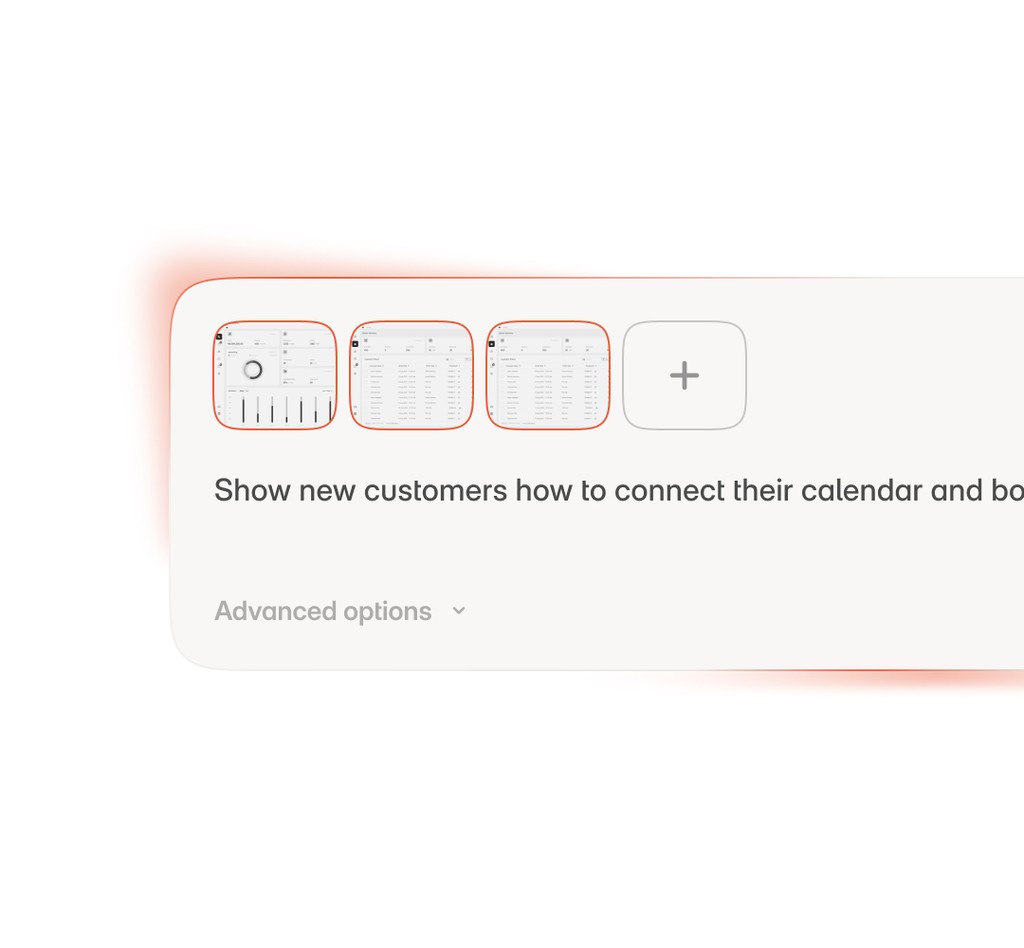
In one sentence, name the audience, the task, and the intended result. That instruction gives the source material the context it cannot provide on its own.
Choose tone and voiceover only when needed
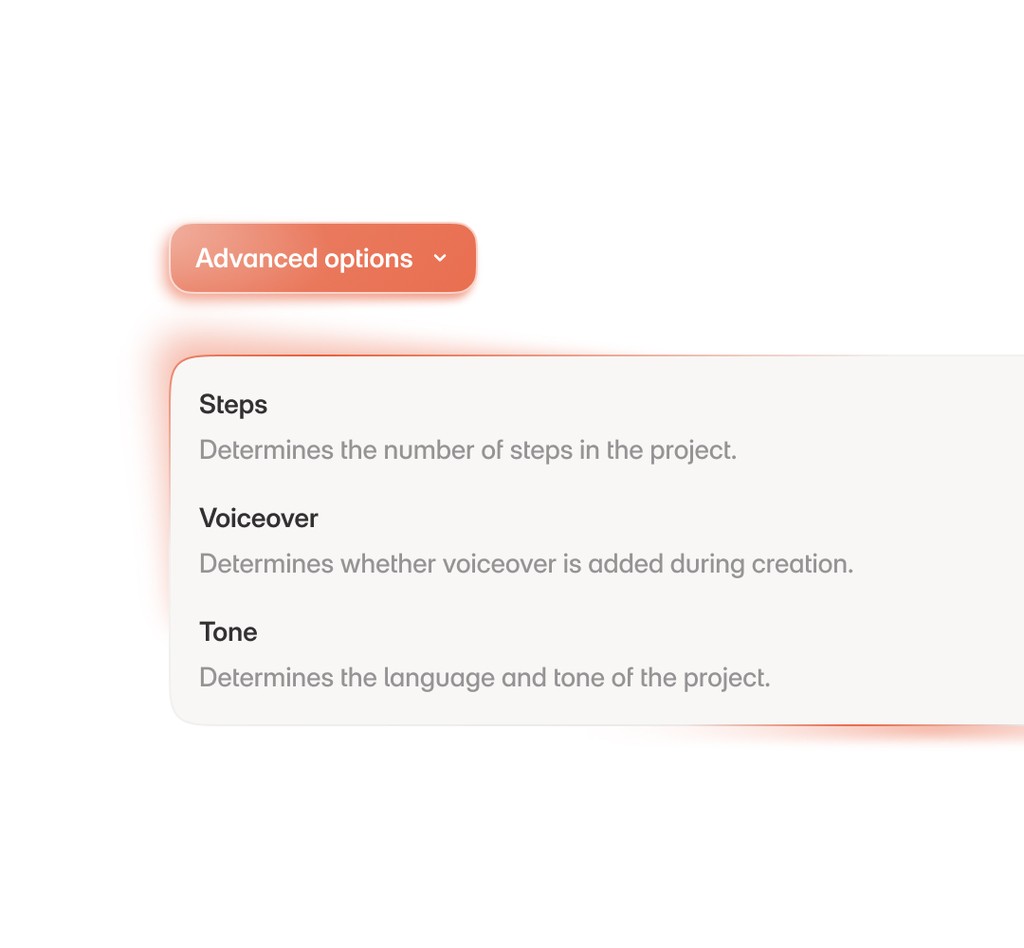
Open the advanced options only when you need a specific writing style or voice choice. Leave both on Auto when you do not have a preference.
Share in three formats
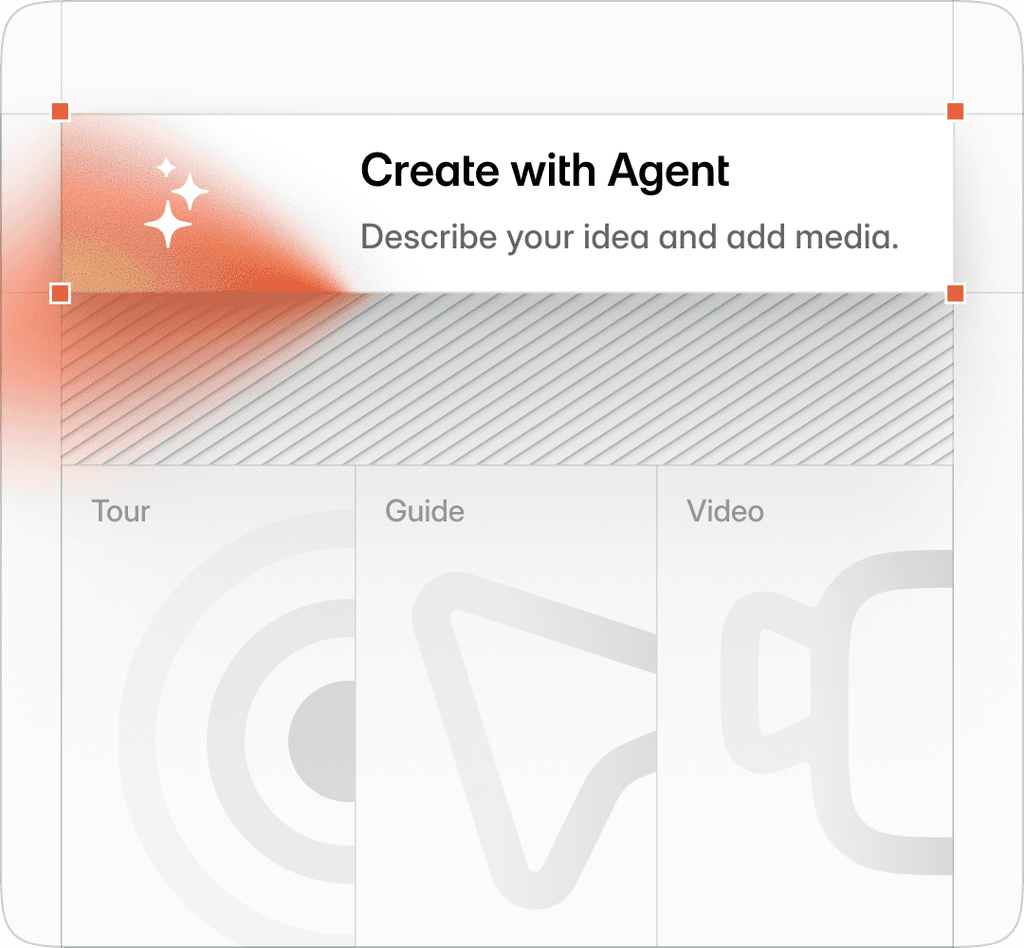
Review the step order, callouts, hotspots, layouts, and voiceover in the editor. The same project can be shared as a tour, read as a guide, or exported as a video without rebuilding the workflow.
Frequently asked questions
What is Create with Agent?
Create with Agent turns material you already have into an editable Layerpath project. Add images, video, library media, or a Loom link, tell Agent the audience and outcome, and you get ordered steps, callouts, and an optional voiceover you can shape.
Can I create a tour from a Loom recording?
Yes. Paste a Loom link and Agent uses that recording as the source, so you get an editable project without recording the workflow again.
What source material can I use?
Images or video from your device, media saved in your Layerpath library, or a Loom link. Add more than one source when the workflow spans several files.
Do I have to write the steps and script myself?
No. Agent orders the steps and drafts the copy and voiceover from your source and the outcome you describe, so you review and edit instead of starting from scratch.
What can I do with the project after Agent creates it?
Everything stays editable in the editor. The same project can be shared as a tour, read as a guide, or exported as a video, without rebuilding the workflow.
How do I turn screenshots into an interactive demo?
Add images or screenshots as your source and Agent turns them into an ordered, editable tour, with no screen recording required.
How fast can I create a product demo with AI?
Usually a few minutes. You add your source, describe the outcome, and Agent drafts the steps, callouts, and voiceover for you to review.
Is there a free way to create an interactive demo?
Yes. Create with Agent is available on the free plan with limits, and included under fair use on Pro and Team.
Bring the source, shape the result
Agent assembles the project from your source material and instruction.
You decide what changes before the tour is shared.