Record the workflow,
explain it once
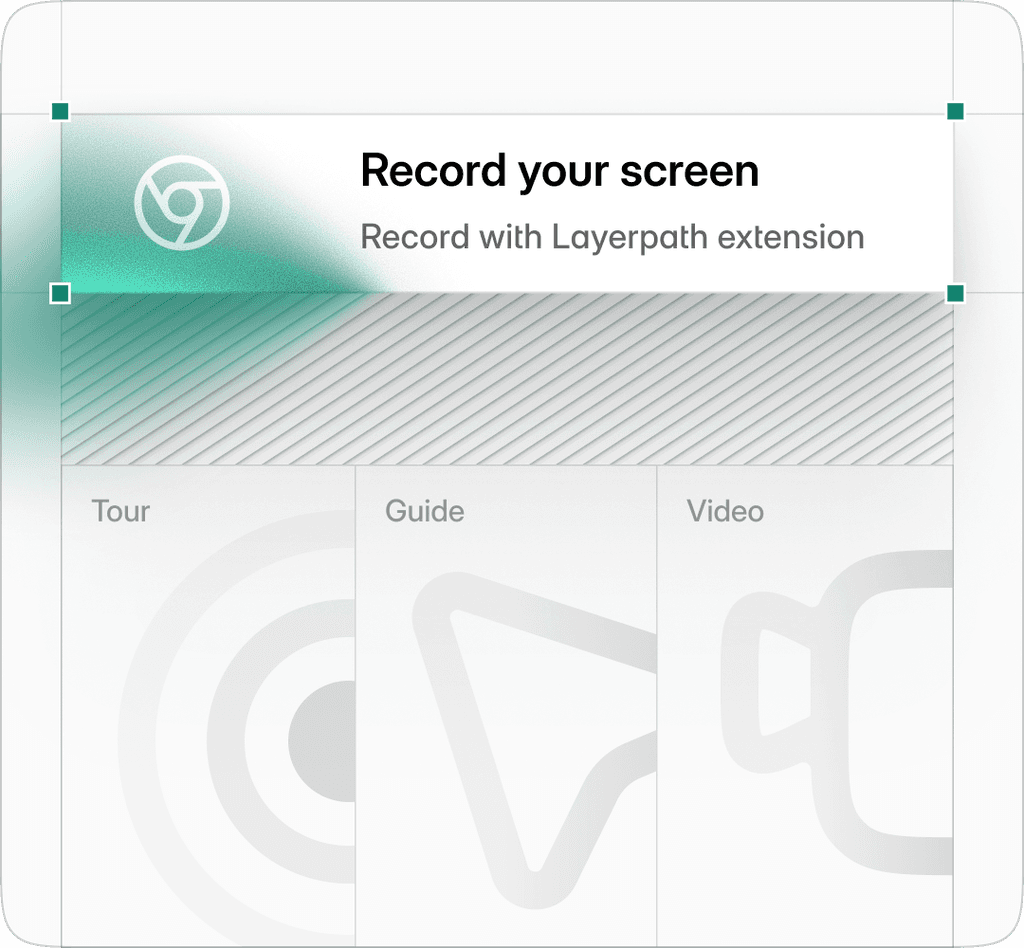
Click through your product and talk through what you are doing. Layerpath captures the workflow and turns it into one editable project you can share as a tour, read as a guide, or export as a video.
Add to Chrome

More useful than a video file.
A normal recorder keeps pixels. The Layerpath extension also captures the sequence and page context behind the workflow, giving the editor better material to work with.
Start recording in one click
Open the workflow, select the Layerpath extension, and start recording. No resolution settings, capture regions, or setup screens before you begin.
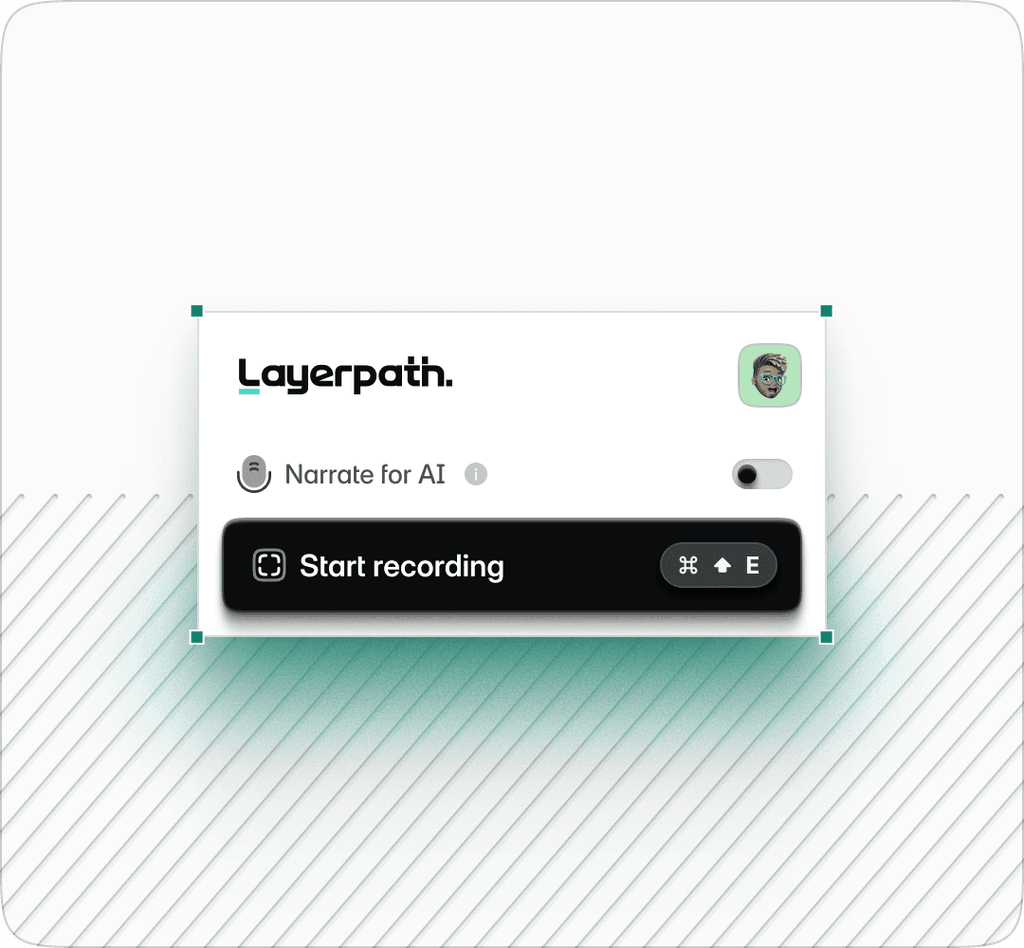
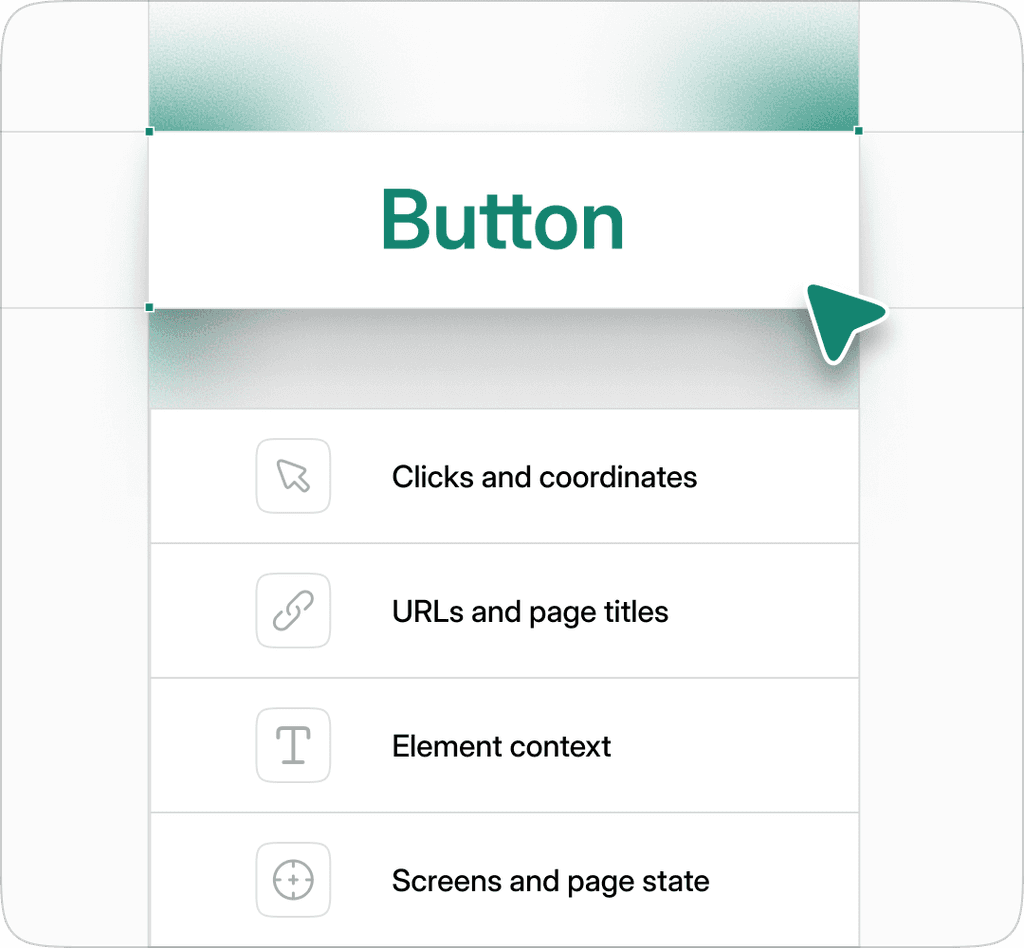
Capture the workflow behind the screen
Layerpath captures each interaction with the context needed to rebuild the workflow as editable steps.
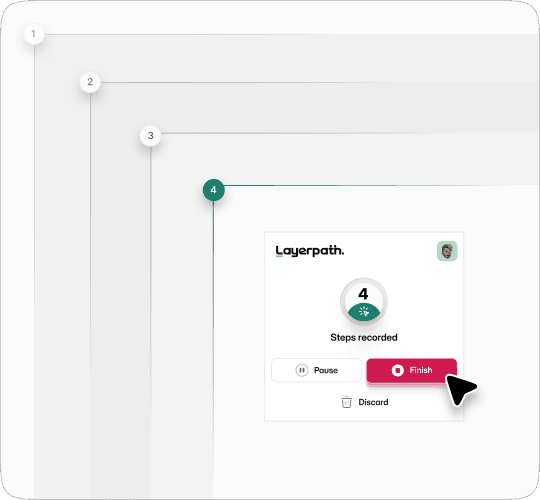
Steps appear automatically
There is no manual step marking. Layerpath detects each interaction and keeps the workflow in order while you record. Stop when the task is complete.
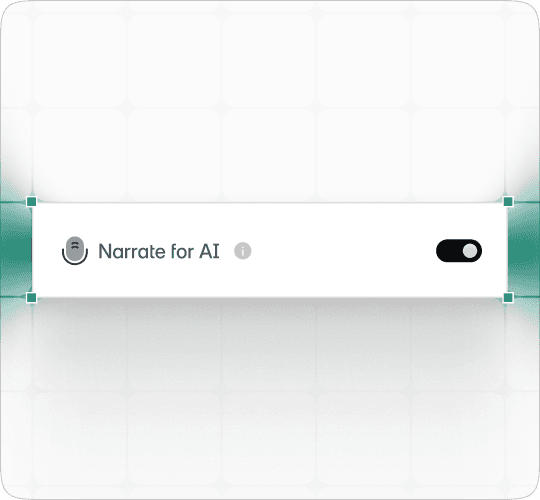
Your explanation becomes the copy
Layerpath matches what you said with what happened on screen, then drafts callouts and voiceover from that context. The result sounds closer to how you explained the workflow because that explanation was the source.
Share in three formats
Review the step order, callouts, hotspots, layouts, and voiceover in the editor. The same project can be shared as a tour, read as a guide, or exported as a video without rebuilding the workflow.
Frequently asked questions
What is the Layerpath Chrome extension?
It is a free browser extension that records your product as you click through it. Layerpath captures the workflow and page context, then turns it into an editable tour, guide, or video.
How do I record a product walkthrough?
Install the extension, click record, and walk through your product while you talk through what you are doing. The steps and copy are generated from that single recording.
How is this different from a normal screen recorder?
A normal recorder keeps pixels. Layerpath also captures the sequence and page context, so steps appear automatically with no manual marking, and your recording becomes something people can click through.
Do the steps get created automatically?
Yes. Steps appear on their own from your recording, and your spoken explanation becomes the on-screen callouts and voiceover.
What formats can I share my recording as?
One recording becomes three formats: an interactive tour to click through, a step-by-step guide to read, or a video to export.
Is there a free Chrome extension to record product demos?
Yes. The Layerpath extension is free from the Chrome Web Store and records your product as you click through it.
Can I turn a screen recording into a step-by-step guide?
Yes. Your recording opens as an editable project you can share as a tour, read as a guide, or export as a video.
Do I need to talk while recording my screen?
Narrating helps, because your explanation becomes the on-screen callouts and voiceover, but you can also add or edit the copy afterward in the editor.
Do the workflow once,
let Layerpath write it
Record the real task in Chrome and narrate as you go. Review the result, refine
what matters, and share it in the format your audience needs.