Bring your brand
into the room
Give Layerpath context for how your company looks, writes, and
speaks across new projects and edits with Agent.


Layerpath gathers,
you decide what stays
Review what Layerpath finds, correct what it missed,
and save only what feels right.
Let your website get things moving
Add your website and Brand memory gets to work. Review your identity in seconds. Your voice report follows by email.
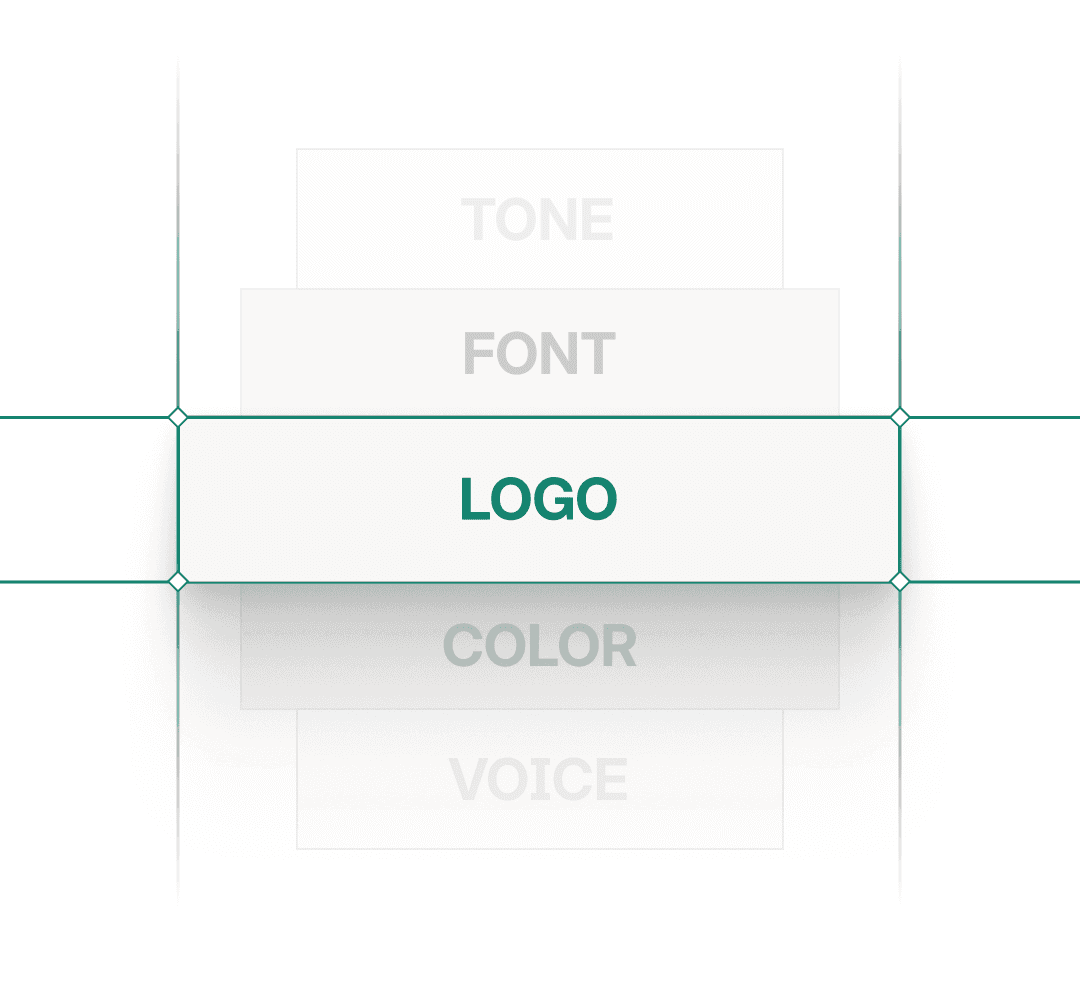
Put your identity in one place
Keep your logos, colors, fonts, language, voiceover, and watermark settings together. Review them as one system.
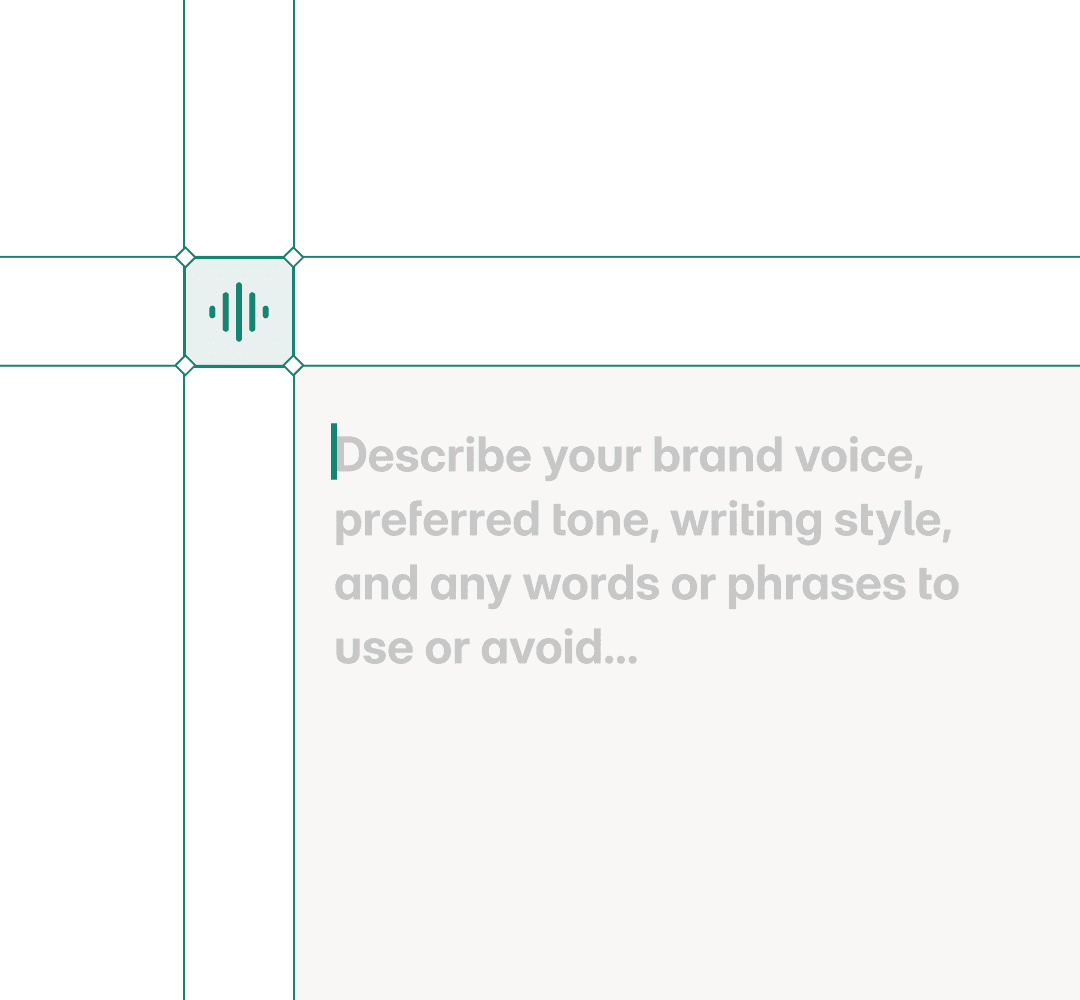
Give your voice clear edges
Set your tone, mechanics, and preferred and avoided words. Preview the result, then refine what doesn't sound like you.
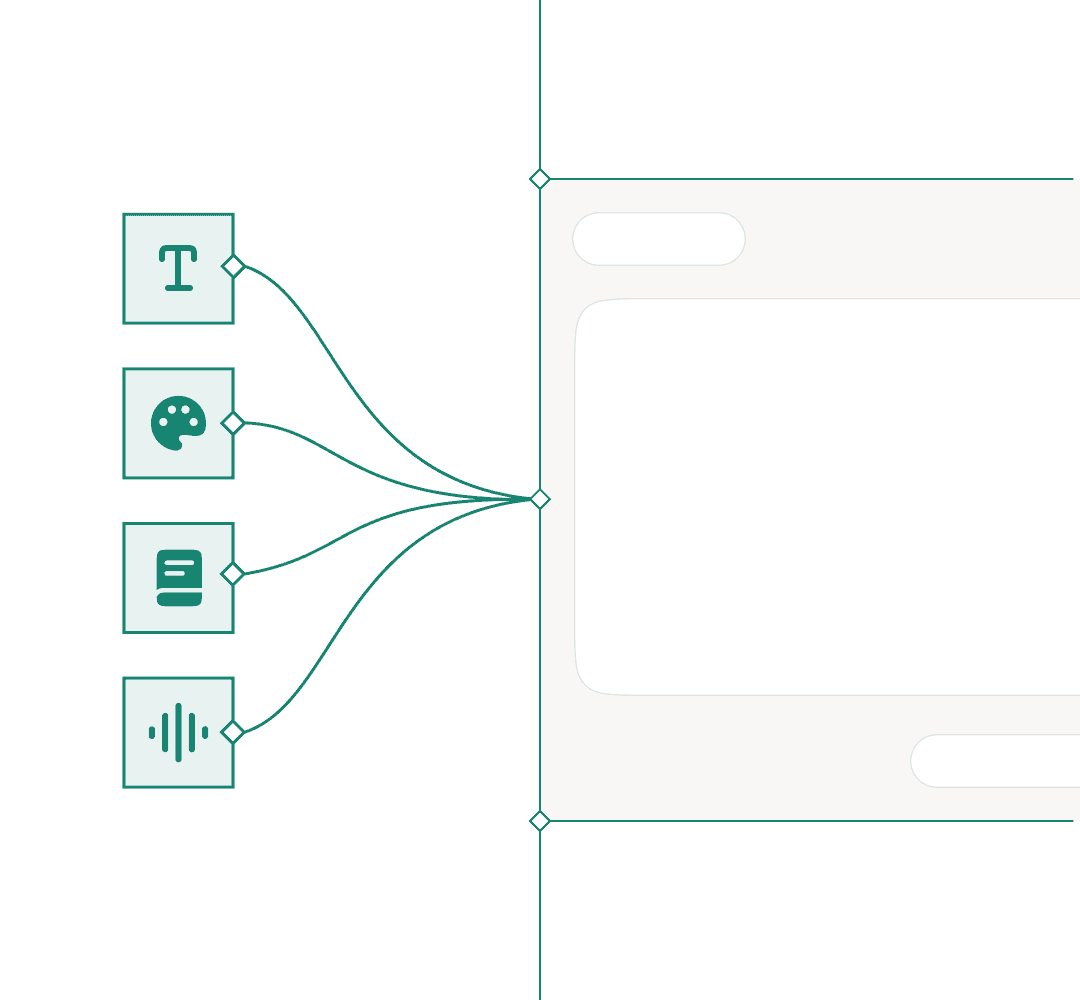
Keep your brand in the work
Bring your saved identity, writing voice, and voiceover defaults into project creation and Agent edits. Start each project closer to your brand.
Make every project
unmistakably yours
Set up Brand memory once, and every project that follows
starts closer to your brand.
Brand memory,
explained.
Everything you need to know about keeping every project on brand.
What is Brand memory?
Brand memory stores how your company looks, writes, and speaks: logos, colors, fonts, tone, language, and voiceover. Layerpath brings that context into new projects and Agent edits.
How does Layerpath learn my brand?
Add your website and Brand memory reviews your identity in seconds, with a voice report by email. You decide what to keep, correcting what it missed and saving only what feels right.
What does Brand memory keep consistent?
Your identity and your voice: logos, colors, fonts, tone, preferred and avoided words, and voiceover defaults, so every project starts closer to your brand.
Do I have to apply my brand to every project by hand?
No. Once Brand memory is set, project creation and Agent edits start from your saved identity and voice by default.
Can I still change the brand on a single project?
Yes. Brand memory is the starting point, not a lock. You can adjust anything on an individual project whenever you need to.
What brand details can Layerpath pull from my website?
It reviews your identity from your website in seconds, things like colors, fonts, and logos, with a voice report following by email. You confirm what to keep.
How do I keep every demo on brand automatically?
Your saved identity, writing voice, and voiceover defaults carry into project creation and Agent edits, so each project starts on brand.
Can I set brand voice rules like preferred and avoided words?
Yes. Set your tone, mechanics, and the words to prefer or avoid, preview the result, and refine anything that does not sound like you.