Shape the tour
where you can see it
Position hotspots, edit callouts where they appear, and shape
each step without leaving the canvas.


Work where the work is
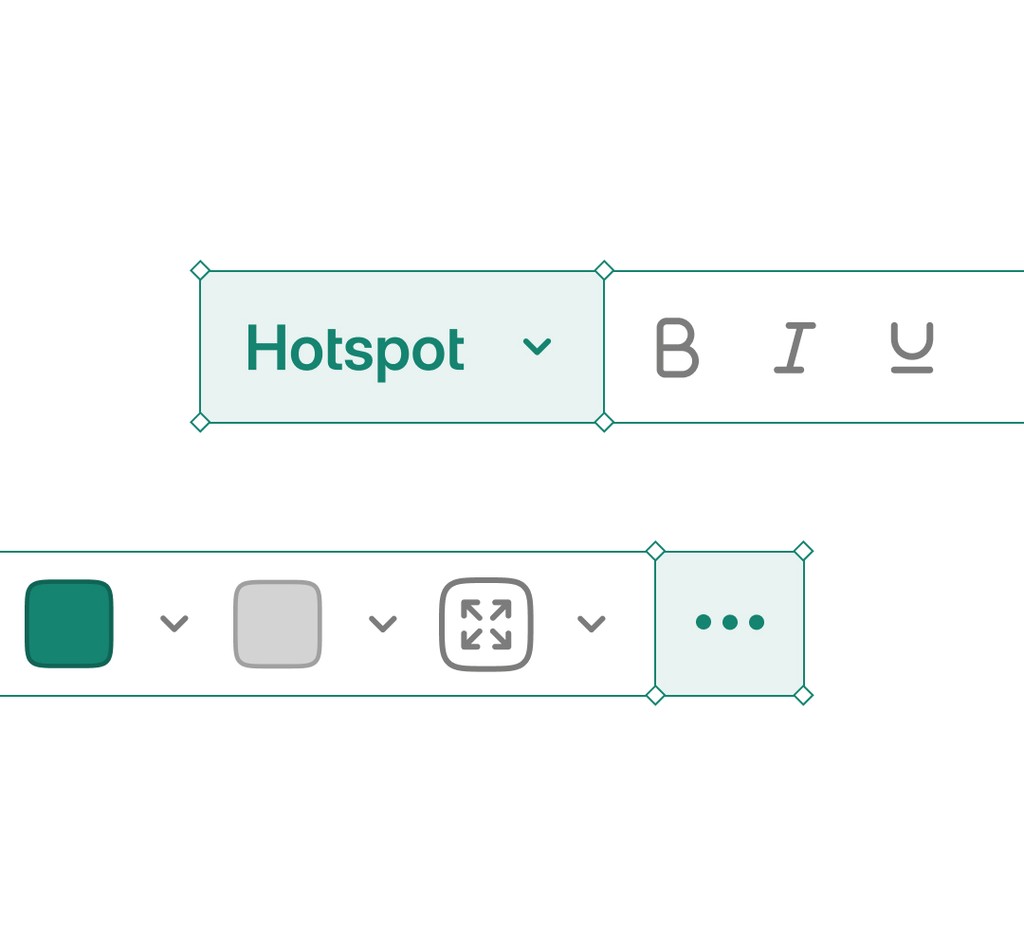
Select what needs attention and the relevant controls follow. You can move through the tour, work directly on a step, and see each change in context.
Edit where you see it
Select a callout to edit its words, style, or position. The step stays visible the whole time. Trim video steps the same way. Less panel hunting. More shaping.
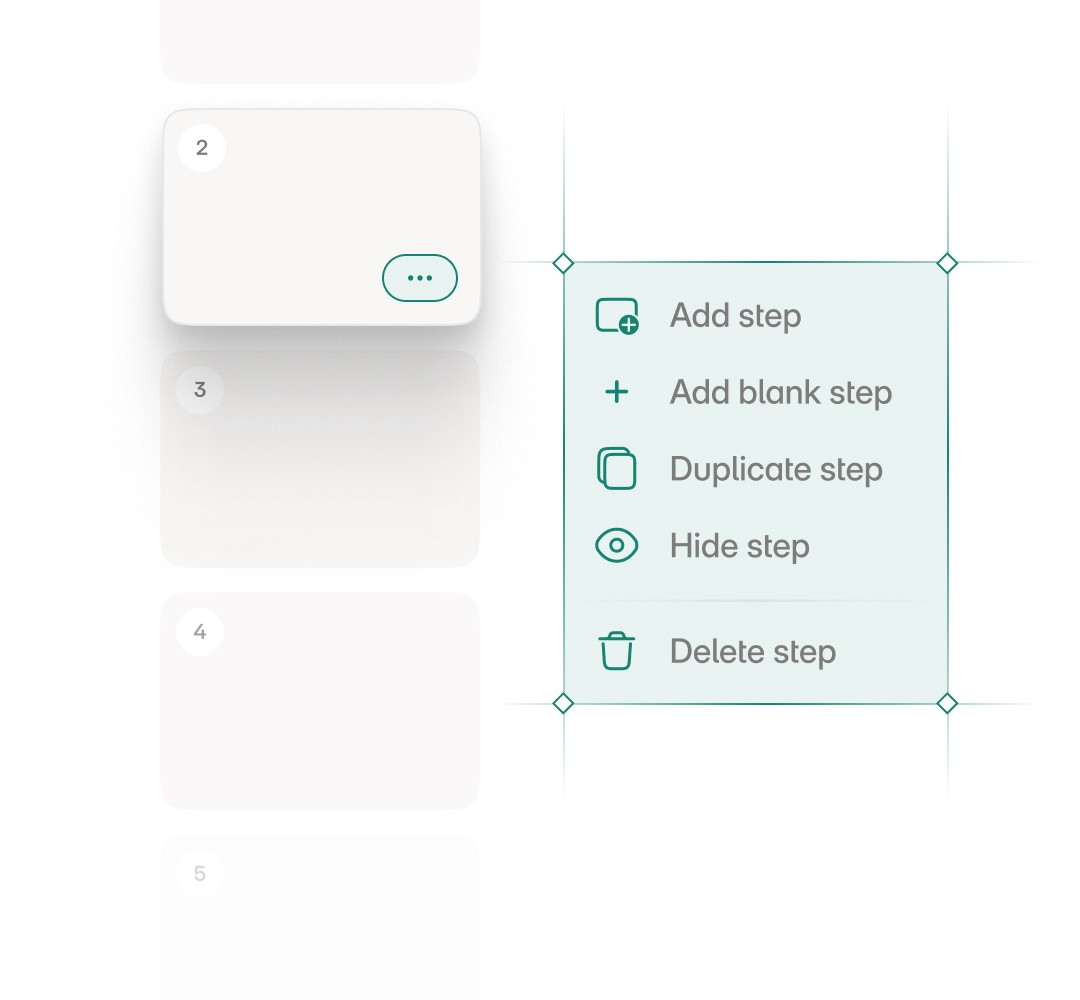
Shape the complete tour
Open the step list to see the complete tour. Add, reorder, duplicate, or delete steps. Shape each screen with layouts, backgrounds, zoom, and mask. Add hotspots and callouts to tell the whole story.
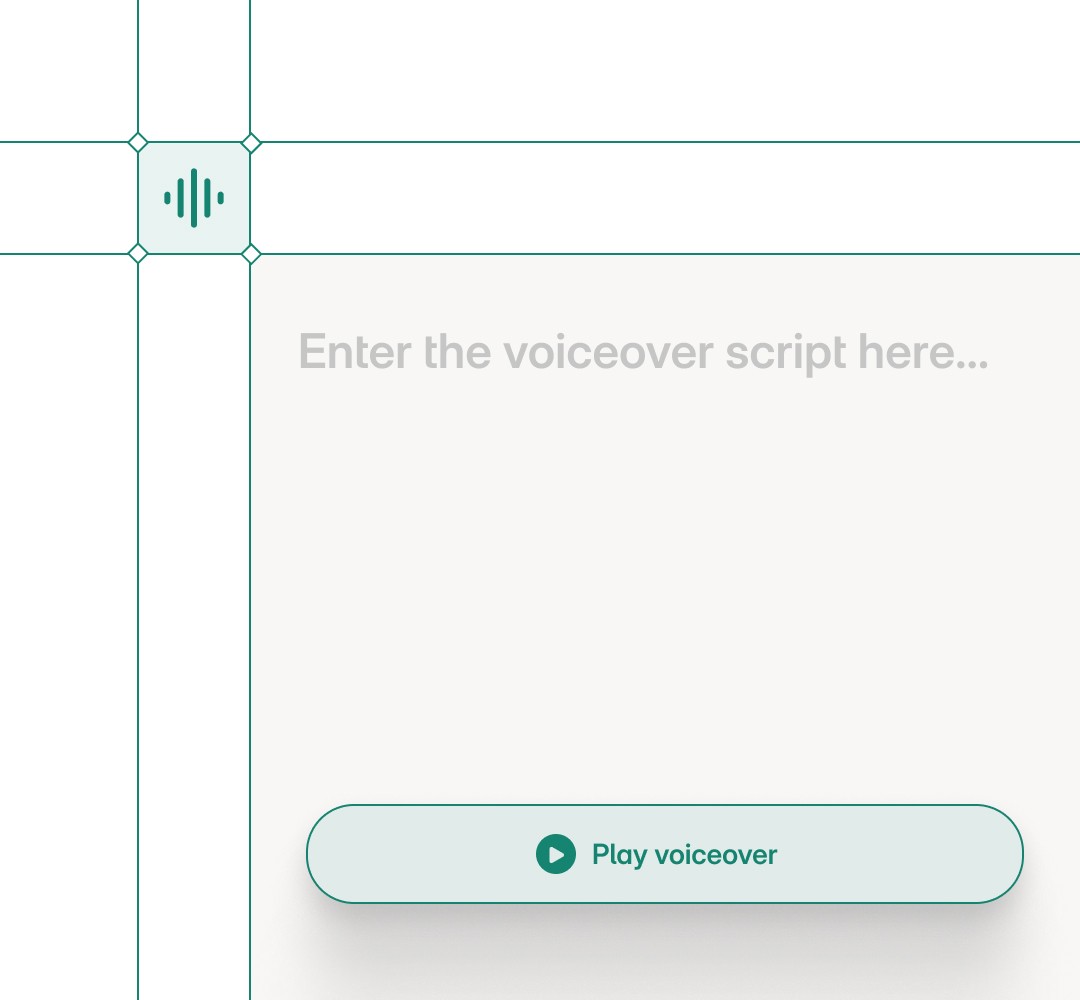
Make the tour sound like you
Edit voiceover for one step or the complete tour. Sync the script from callouts, choose an AI voice, or record your own narration. Listen to the result against the screen before you share.
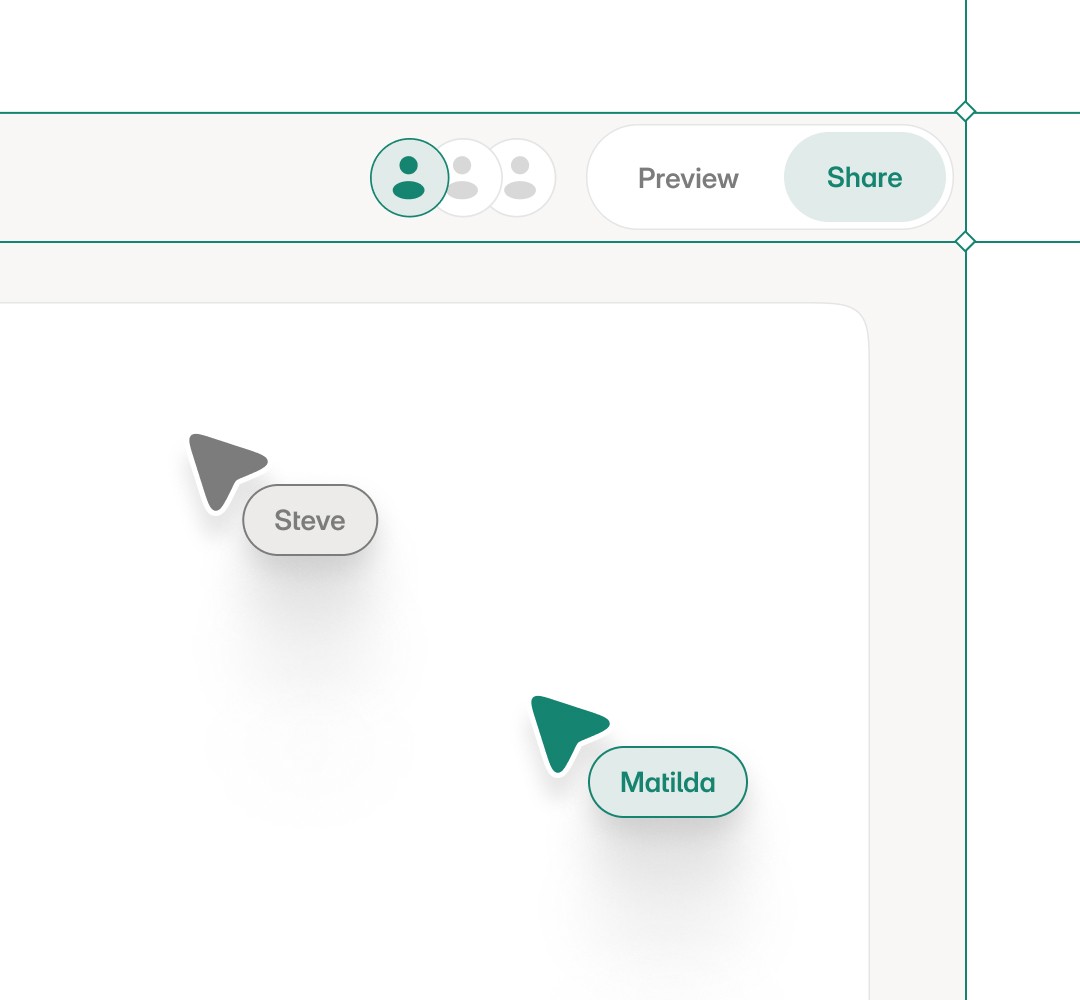
Work together without losing your place
See who else is editing and where they're working. Changes stay visible as your team shapes the tour together.
Frequently asked questions
What is the Layerpath editor?
It is where you shape your tour directly on the canvas. Select a callout to edit its words, style, or position, and the step stays visible the whole time.
Do I need any code or design skills to use it?
No. You edit visually on the canvas, so anyone on the team can place hotspots, fix callouts, and reorder steps.
Can I reorder and edit steps?
Yes. Open the step list to add, reorder, duplicate, or delete steps, and shape each screen with layouts, backgrounds, zoom, and mask.
Can I add voiceover in the editor?
Yes. Edit voiceover for one step or the whole tour, sync the script from callouts, pick an AI voice, or record your own.
Can my team edit together?
Yes. You can see who else is editing and where they're working, and changes stay visible as your team shapes the tour together.
How do I add hotspots and callouts to a demo?
Add them to any step and edit their words, style, and position directly on the canvas.
Can I customize the look of each demo step?
Yes. Shape each screen with layouts, backgrounds, zoom, and mask, and see the change in context.
Can I add my own voiceover to a demo?
Yes. Choose an AI voice, sync the script from your callouts, or record your own narration.
Your turn to shape it
Open a project, work directly on each step, and turn the raw material
into an explanation ready to share.