The best CleanShot X alternatives, by what you actually need
CleanShot is difficult to replace with one product because it now covers three jobs at once: a serious Mac screenshot utility, a local screen recorder/editor, and an optional Cloud sharing layer.
That means the best alternative depends on which part of CleanShot you are trying to replace.
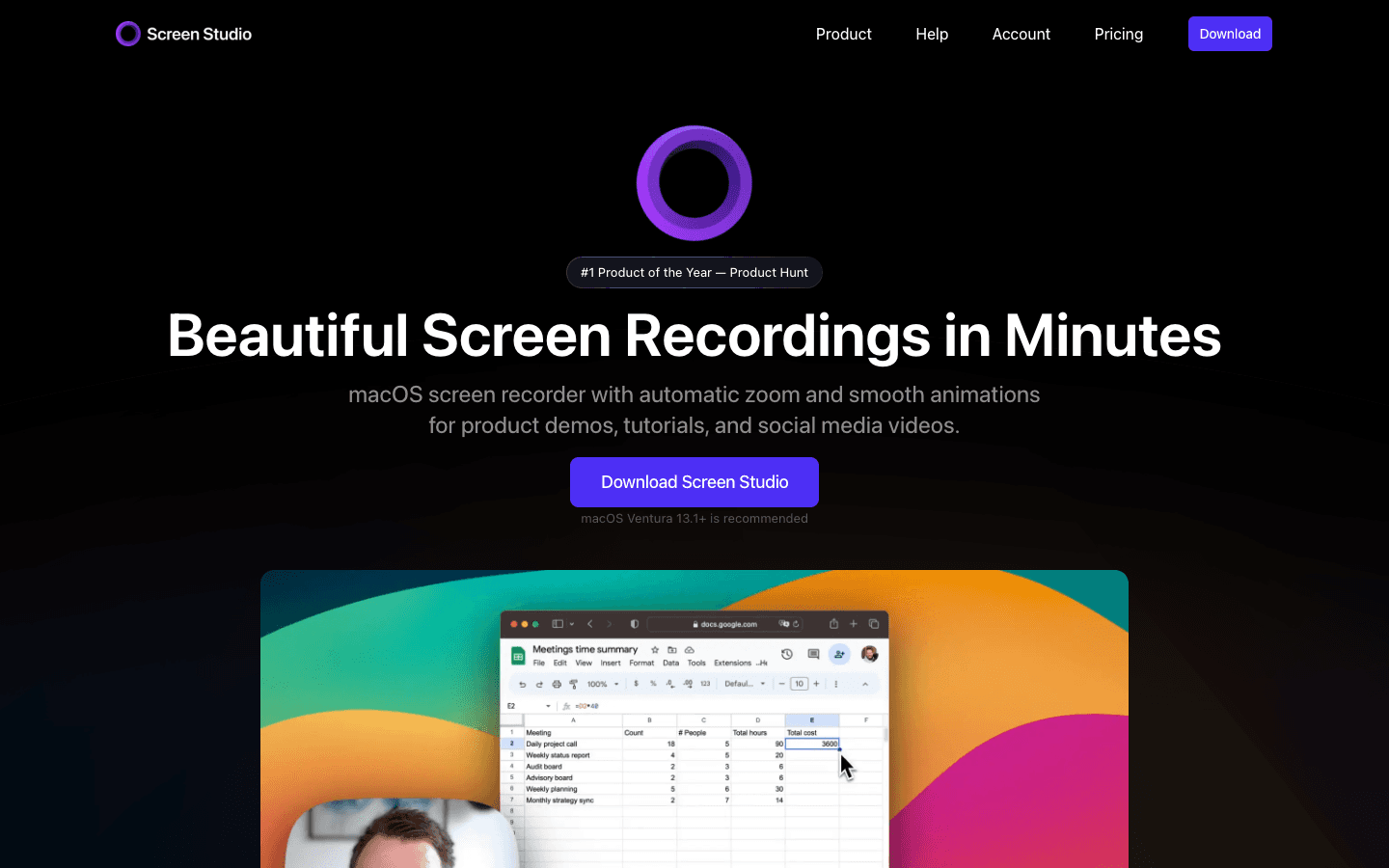
If you want a more video-first cinematic editor, start with Screen Studio. If you want an open recording stack with local Studio editing and optional hosted sharing, look at Cap. If you need Windows as well as Mac, FocuSee and Tella deserve a look for different reasons. If the recording is source material for interactive software guidance, Layerpath is the more relevant category. If you only need screenshots, Shottr or Xnapper can be simpler choices.
Last checked: September 2, 2026. Pricing and documented capabilities were checked against the vendors’ current official product pages and documentation.
If Screen Studio is the only alternative you are weighing, the head-to-head goes deeper. CleanShot X vs Screen Studio after Studio Mode.
The 30-second answer
| You want to replace CleanShot because… | Start with… | Why |
|---|---|---|
| Studio Mode is not deep enough for polished product video | Screen Studio | Video-first editor with documented speed controls, crop, captions, and social output |
| You want open-source/local recording plus Studio editing and optional sharing | Cap | Open-source product with Instant, Studio, and Screenshot modes plus local editing and share links |
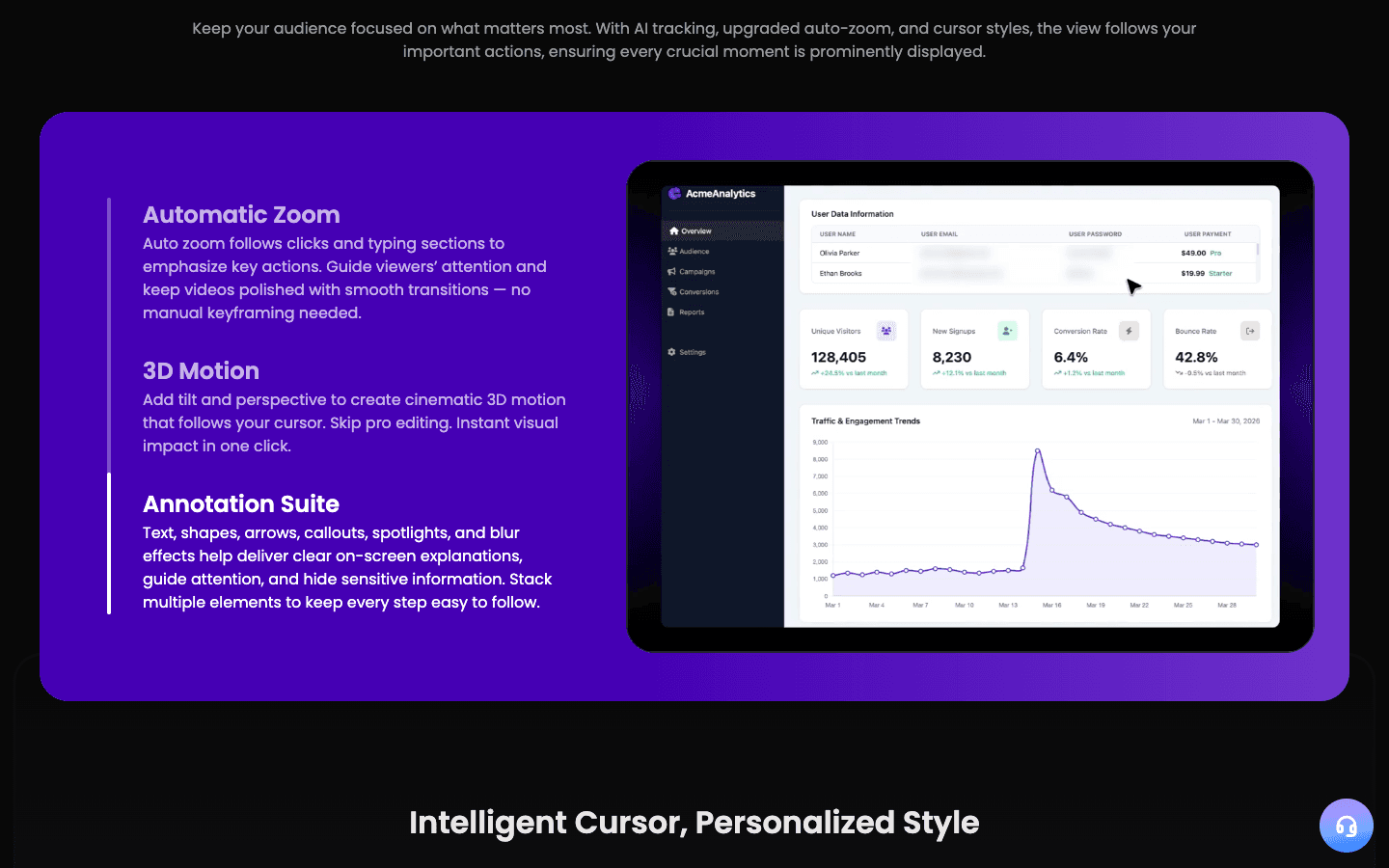
| You need Mac and Windows with automatic cinematic treatment | FocuSee | Cross-platform plans with auto-zoom, 4K/60 FPS export, and subtitle tools |
| You mainly need hosted async video communication | Loom | Fast share links, comments/reactions, transcripts, team libraries, and cross-platform recording |
| You want creator-focused recording, editing, hosting, and social-ready video | Tella | Mac/Windows/Chrome recording, timeline editing, auto zoom, captions, hosting, and exports |
| You need interactive walkthroughs and written guides from the workflow | Layerpath | Turns captured/uploaded workflows into an editable project with Tour, Guide, embed, and video outputs |
| You mostly need a lightweight Mac screenshot tool | Shottr | Fast native screenshot capture, scrolling capture, annotations, redaction, and a low one-time price |
| You mainly want beautiful social-ready screenshots | Xnapper | Screenshot-first Mac app with backgrounds, ratios, annotations, redaction, OCR, and one-time licensing |
First decide what you are replacing
CleanShot 5.0 makes "alternative" an ambiguous query. You may be replacing one of four things:
The screenshot utility
You need fast capture, annotation, redaction, scrolling capture, OCR, backgrounds, and a menu-bar workflow.
Start with: Shottr or Xnapper.
The cinematic screen recorder
You want automatic zoom, smoother cursor motion, backgrounds, a timeline, captions, and more control over the finished video.
Start with: Screen Studio, Cap Studio Mode, or FocuSee.
The hosted sharing layer
You need a link immediately, comments, reactions, transcripts, team organization, and cross-platform async communication.
Start with: Loom, Tella, or Cap Pro.
The reusable software-guidance workflow
The recording is not the final asset. You need the same workflow to become an interactive walkthrough, written guide, embed, and video.
Start with: Layerpath.
Alternatives at a glance
| Tool | Best for | Platforms | Screenshot-first | Cinematic editing | Hosted sharing | Starting price checked | Main trade-off |
|---|---|---|---|---|---|---|---|
| Screen Studio | Polished product videos on Mac | macOS | No | Strong | Shareable links | $29/mo or $9/mo billed yearly | Dedicated video tool and recurring subscription |
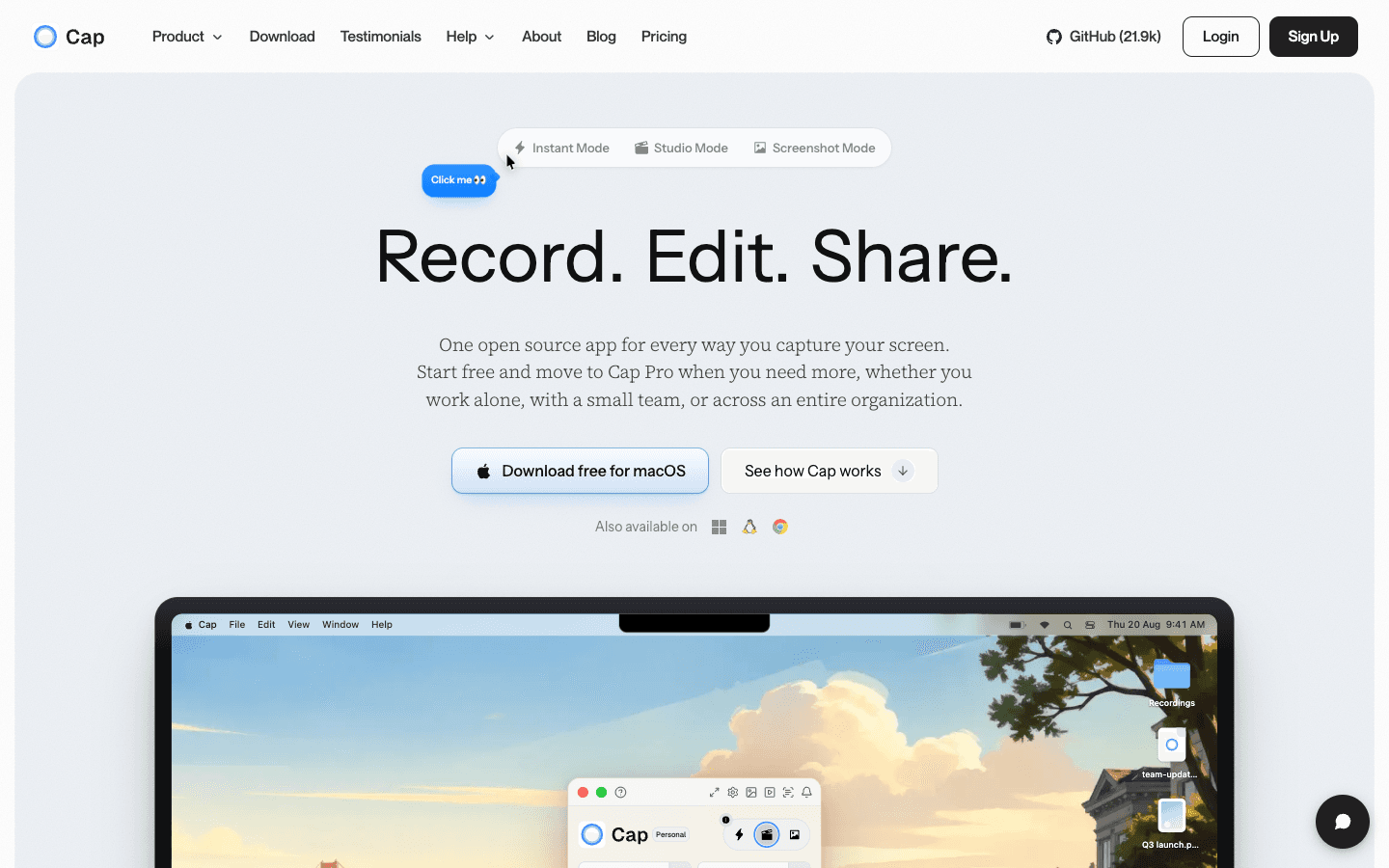
| Cap | Open/local recording with Studio editing and optional sharing | Not verified | Yes, Screenshot mode | Strong/growing | Yes | Desktop $29/year; Pro from $12/mo monthly | Broader product surface can be more than a simple utility |
| FocuSee | Cross-platform automatic video polish | Windows + Mac | No | Strong auto-zoom workflow | Cloud storage included on current plans | $19.99/mo or $49.99/year Standard | Subscription/AI-credit complexity for some features |
| Loom | Async communication and instant hosted links | Mac, Windows, Chrome, iOS, Android | Screenshots supported, not a CleanShot-style screenshot editor | Basic-to-moderate | Core strength | Free; Business $18/user/mo at time checked | Video polish is not the primary reason to buy it |
| Tella | Creator/social video with strong hosted workflow | macOS, Windows, Chrome | No | Strong | Strong | Pro $13/mo; Premium $19/mo at time checked | More creator/video platform than tiny Mac capture utility |
| Layerpath | Reusable software guidance in several formats | Web workflow + capture/import sources | Not a screenshot utility | Video is one output, not the whole product | Public links/embeds | Pro $50/mo from current Layerpath pricing | Wrong choice if you only need screenshots or a prettier MP4 |
| Shottr | Lightweight Mac screenshots | macOS | Core strength | No | Limited screenshot upload workflow | Free; Basic $12 one-time | Does not replace Studio Mode video editing |
| Xnapper | Beautiful screenshot presentation | macOS | Core strength | No | Cloud listed as coming soon on current site | Free with watermark; Basic $29.99 one-time | Screenshot specialist, not a recording replacement |
Screen Studio, best when polished video is the main job
Choose Screen Studio when you are replacing Studio Mode, not CleanShot's screenshot workflow.
Screen Studio remains the clearest alternative for someone whose primary output is a polished screen-recording video. Its current editor documentation covers automatic zooms based on clicks, manual zoom targeting, zoom duration/level editing, segment speed changes, cropping, local captions/transcripts, cursor smoothing, branded backgrounds, and horizontal/vertical output.
What Screen Studio does better than CleanShot
more explicitly video-first workflow;
documented per-fragment speed changes and a documented crop tool, neither of which we found in the CleanShot 5.0 editor;
documented per-fragment speed changes;
documented crop tool;
locally generated/editable captions and transcript workflow;
mature vertical/social-video treatment.
What CleanShot still does better
screenshot capture is a core product surface rather than an afterthought;
scrolling screenshots, annotation, redaction, OCR, history, and background tools live in the same utility;
App + Cloud Basic uses a buy-and-keep license model instead of requiring a dedicated video subscription.
Price
Screen Studio currently lists $29/month billed monthly or $9/month billed annually ($108/year).
Skip Screen Studio if
Your day is mostly screenshots and you only make occasional product clips. CleanShot 5.0 may now cover enough video polish that a second dedicated app is hard to justify.
Cap, best for an open, local recording stack with optional sharing
Choose Cap if you like the idea of one recorder covering quick sharing, Studio editing, and screenshots, but want an open-source product and more control over where recordings live.
Cap currently presents three modes in one app: Instant, Studio, and Screenshot. Studio Mode creates a local editable project with a full timeline/canvas editor and can export MP4, GIF, or specialized cursor-only MOV output. Sharing can remain optional until export, and Cap supports shareable links and custom storage options on relevant plans.
What Cap does better than CleanShot
open-source product and self-hosting/storage-control story;
clear separation between instant sharing and local Studio editing;
full local Studio project with multi-clip editing/export options;
GIF and cursor-only export documented;
hosted sharing, AI summaries/chapters/transcriptions, and team features on Pro.
What CleanShot still does better
deeper Mac screenshot-utility heritage and muscle-memory workflow;
dedicated scrolling capture, OCR, screenshot annotation/redaction/history are central to the product;
lighter choice if you simply want a polished native Mac capture utility.
Price
At the time checked, Cap lists a Desktop License at $29/year and Cap Pro at $12/user/month monthly; its pricing table lists $8.16/user/month for Pro on annual billing.
Skip Cap if
You want the most established video-first motion treatment and do not care about open source, local ownership, or self-hosting. Screen Studio is a more direct comparison for that job.
FocuSee, best when you need automatic polish on both Mac and Windows
Choose FocuSee when cross-platform desktop support matters and you still want automatic zoom and polished video without moving to a traditional editor.
FocuSee's current pricing and help material describe Windows and Mac plans, automatic zoom, 4K/60 FPS export, subtitle generation/editing, screen and webcam recording, and typing-aware speed/zoom features in parts of the product.
What FocuSee does better than CleanShot
current plans support both Windows and Mac;
automatic zoom is a central product feature;
subtitle tooling is explicitly included in the current feature matrix;
4K/60 FPS export is included on current Standard plans.
What CleanShot still does better
much stronger screenshot-specific workflow on macOS;
simpler buy-and-keep Basic pricing for users who do not need recurring AI/cloud features;
tighter positioning as an everyday Mac capture utility.
Price
FocuSee currently lists $19.99/month or $49.99/year for its one-computer Standard plan. More expensive multi-computer and one-time options are also offered.
Skip FocuSee if
You are Mac-only and screenshots are as important as video. In that case CleanShot's broader daily capture workflow is the stronger reason to buy.
Loom, best when the recording is a message that needs a link immediately
Choose Loom when sharing, feedback, and team communication matter more than cinematic motion.
Loom is built around a different center of gravity: record on several platforms, finish, and immediately get a hosted link. Current plans include transcripts/captions, comments and reactions, team libraries, viewer insights, and integrations. Business supports unlimited videos and recording time plus 4K recording and editing features.
What Loom does better than CleanShot
native Windows support plus mobile and Chrome options;
instant hosted-video workflow is the product's core job;
mature comments, reactions, team libraries, integrations, and viewer workflows;
strong fit for async updates, bug reports, internal communication, and customer messages.
What CleanShot still does better
screenshots and screenshot editing on Mac;
local cinematic Studio Mode without making hosted collaboration mandatory;
buy-and-keep Basic app license.
Price
Loom currently has a Free Starter plan. Business is $18/user/month at the time checked, with Business + AI above it.
Skip Loom if
Your main goal is a polished launch clip or tutorial where camera motion, backgrounds, and video styling matter more than the hosted conversation around the recording.
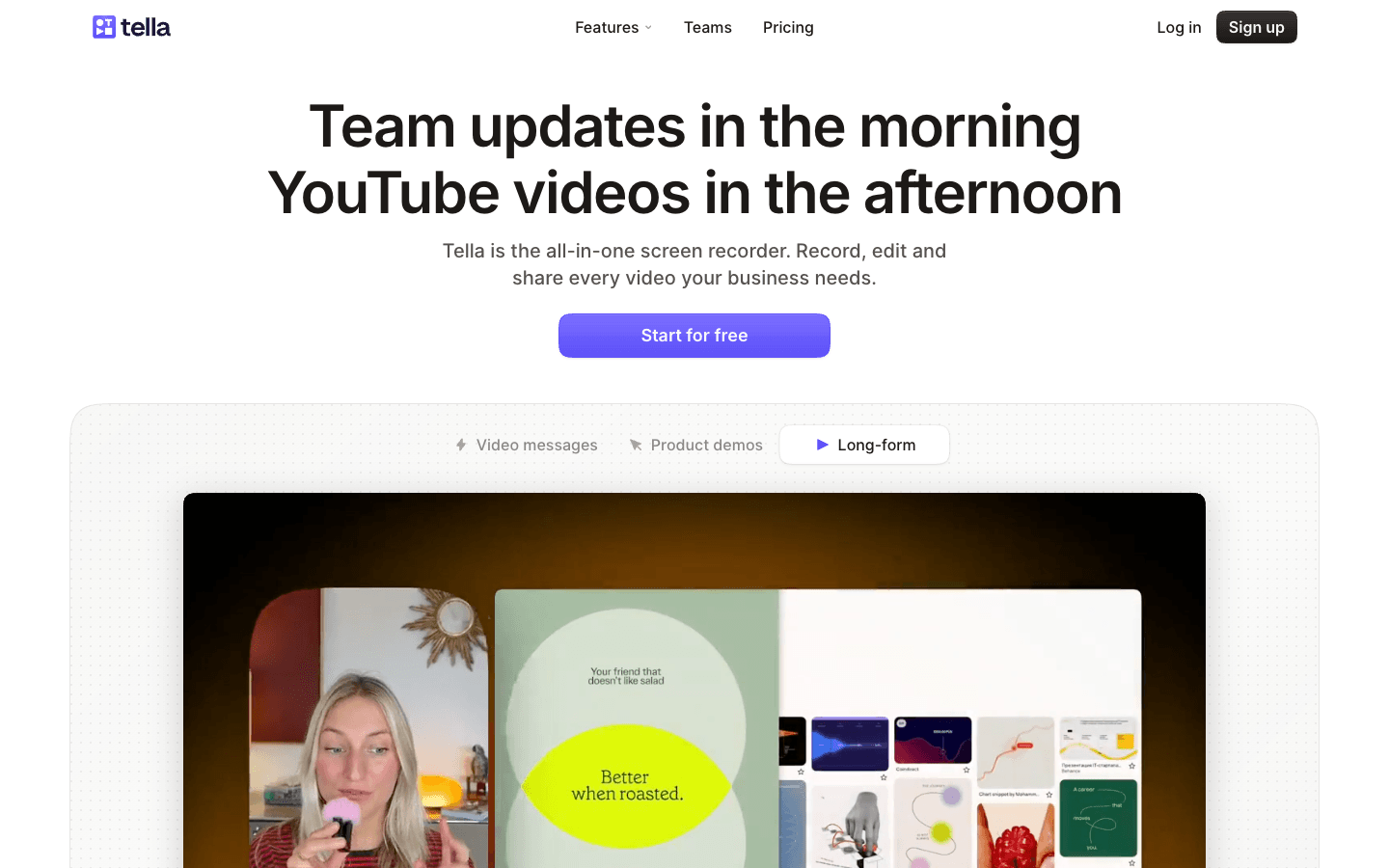
Tella, best for creator-focused recording, editing, and hosted video
Choose Tella when you want a recording tool that behaves more like a creator video platform than a tiny menu-bar utility.
Tella's current product and pricing pages list native macOS and Windows recorders plus a Chrome extension, timeline and transcript editing, Auto Zoom, blur, highlight, backgrounds, subtitle editing/styling, screen cropping, camera reframing, hosted video, embeds, comments, reactions, CTAs, analytics, and multiple export options.
What Tella does better than CleanShot
cross-platform recording options;
deeper creator/video publishing surface;
Auto Zoom plus transcript/caption editing and other post-production controls;
hosted embeds, CTAs, analytics, comments, reactions, and audience-facing video pages.
What CleanShot still does better
screenshot-first Mac capture and annotation workflow;
simpler utility experience for quick daily captures;
low one-time Basic entry price if you do not need a full hosted video platform.
Price
Tella currently lists Pro at $13/month and Premium at $19/month on its plan comparison, with annual billing discounted.
Skip Tella if
You want the smallest possible Mac utility for screenshots and occasional polished recordings rather than a broader video creation and publishing platform.
Layerpath, best when the recording is source material for reusable software guidance
Choose Layerpath only when you are solving a different job from CleanShot.
Layerpath is not a replacement for CleanShot's screenshot capture, OCR, menu-bar utility, or everyday annotation workflow. It becomes relevant when a software workflow needs to be captured or imported and then maintained as an editable project that can be published in several forms.
What Layerpath does better for this job
turns the workflow into an interactive Tour;
creates a written Guide from the same project;
supports public links and embeds;
produces video output from the project;
treats the workflow as maintainable source material instead of a finished MP4 only.
What CleanShot still does better
screenshots;
scrolling capture;
fast local Mac capture;
annotation/redaction/OCR;
lightweight cinematic screen recording.
Price
Skip Layerpath if
You only need to make a nicer recording. Use CleanShot, Screen Studio, Cap, FocuSee, or Tella instead. Layerpath belongs in the decision only when the output needs to become reusable software guidance.
Shottr, best for a tiny, fast Mac screenshot utility
Choose Shottr if the part of CleanShot you actually care about is screenshots, not Studio Mode.
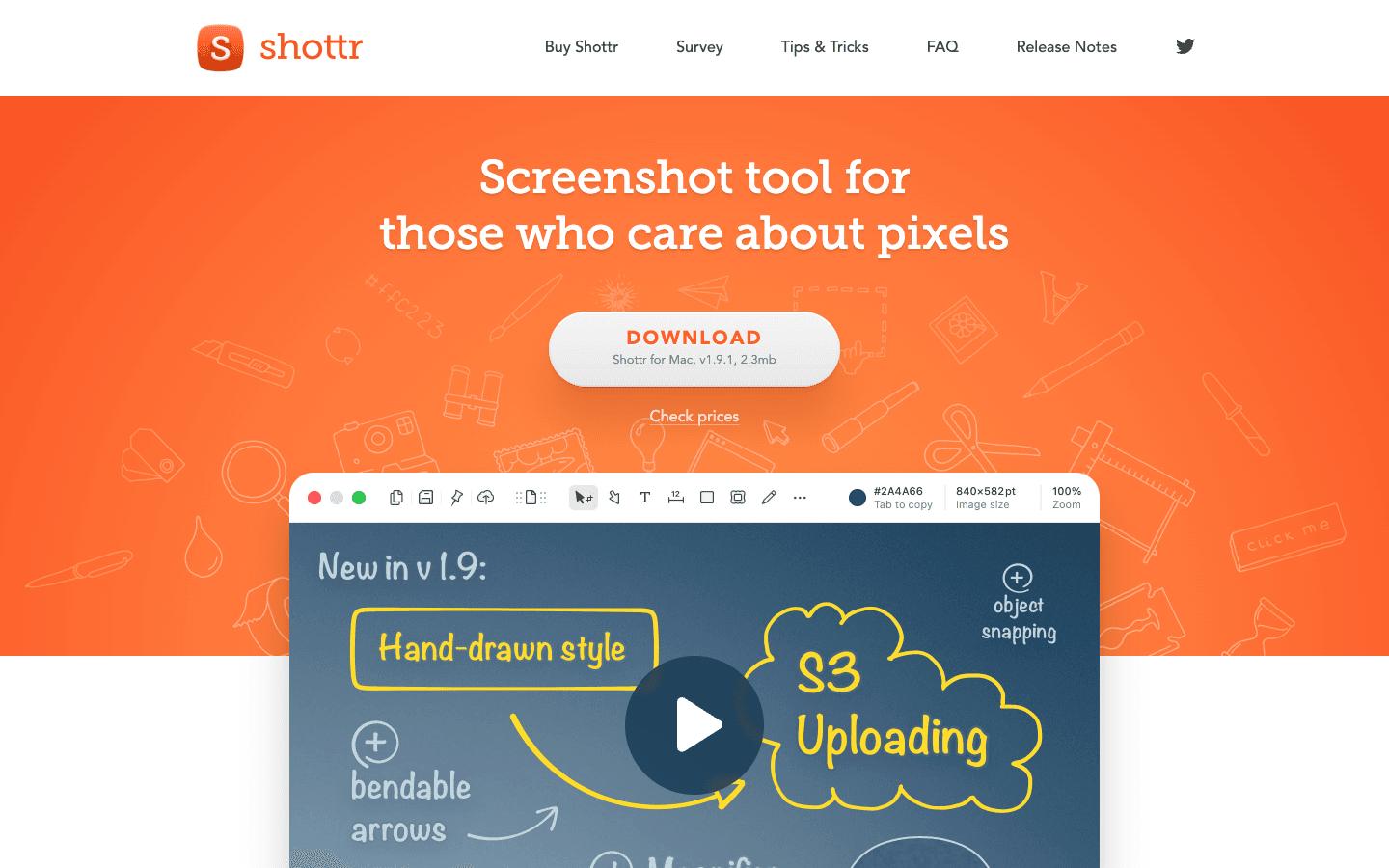
Shottr is a small native Mac screenshot tool built around capture speed, annotations, backgrounds, scrolling screenshots, pixelation/object removal, and screenshot-specific workflows.
What Shottr does better for some buyers
extremely focused screenshot surface;
low one-time commercial-license price;
lightweight native Mac app;
scrolling screenshots and privacy/redaction tools.
What CleanShot still does better
Studio Mode video editing;
screen recording as a major product surface;
integrated Cloud workflow for screenshots and recordings;
broader all-in-one capture product.
Price
Shottr can be used free, with a $12 one-time Basic license for full/commercial use at the time checked.
Skip Shottr if
You are specifically leaving CleanShot because you want better video. Shottr does not solve that problem.
Xnapper, best for beautiful, social-ready screenshots
Choose Xnapper if your priority is making screenshots look presentation-ready with minimal work.
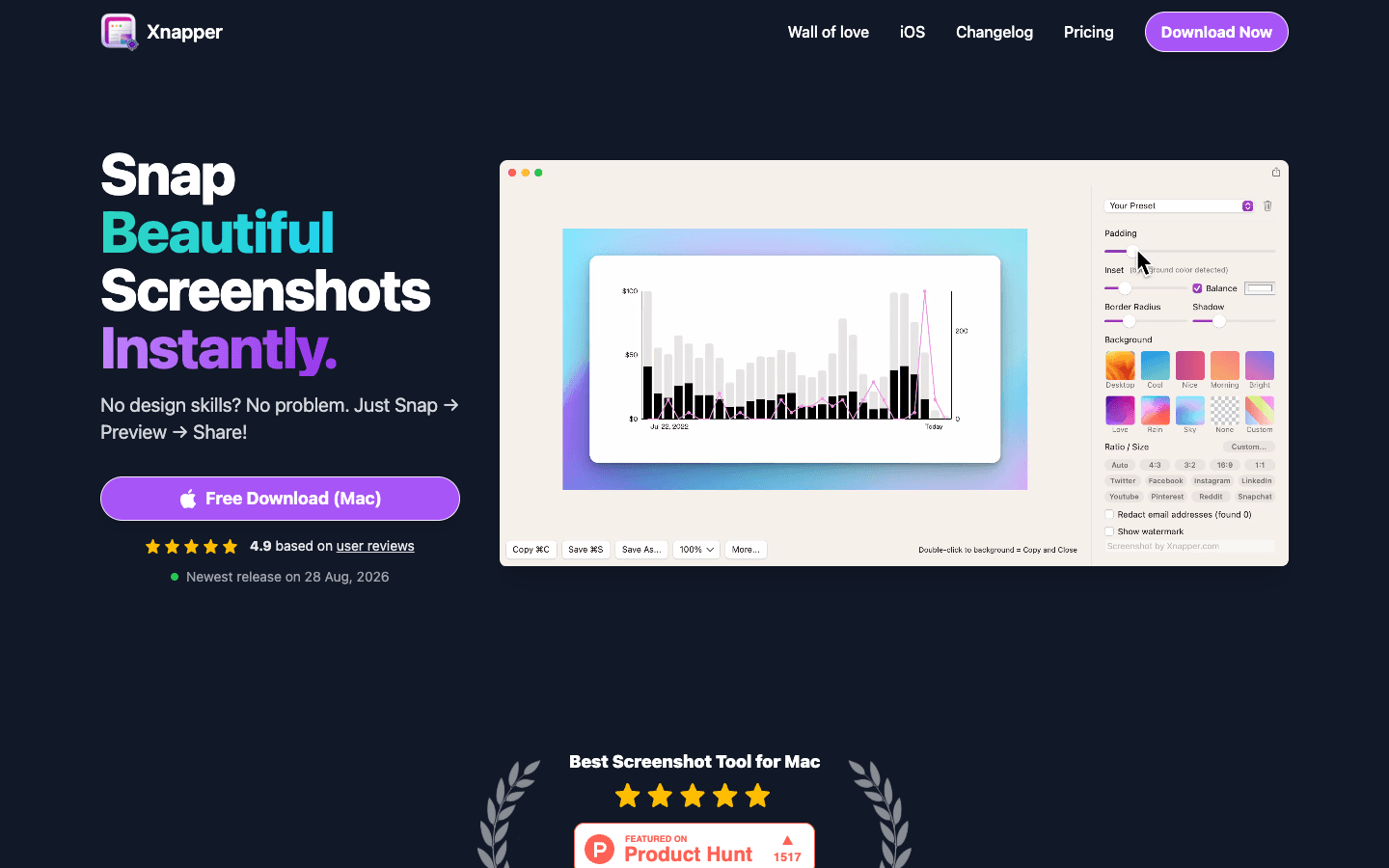
Xnapper focuses on screenshots with automatic presentation, custom backgrounds, social-media sizes and ratios, annotation tools, blur/redaction, screenshot history, compression, and on-device text recognition.
What Xnapper does better for some buyers
very focused screenshot presentation workflow;
social-media ratios and visual framing are central;
automatic sensitive-data redaction is part of its screenshot workflow;
one-time licensing is available.
What CleanShot still does better
screen recording and Studio Mode;
Cloud sharing is already part of the current product, while Xnapper currently lists Cloud upload as coming soon;
broader screenshot utilities such as scrolling capture/history/sharing live alongside video.
Price
Xnapper's current pricing lists a $29.99 one-time Basic license for one macOS device with one year of updates. The app can also be used free with a watermark.
Skip Xnapper if
You need video recording or hosted async communication. It is a screenshot specialist.
Developer option: build the cinematic rendering layer yourself
This is not a normal CleanShot alternative, but it matters for teams building an internal media pipeline.
If you already capture a raw recording plus structured interaction data such as cursor position, click coordinates, and timestamps, code-first video frameworks can reproduce much of the visual treatment people associate with Studio Mode: camera zooms, smooth transforms, backgrounds, title cards, captions, social crops, speed changes, and B-roll.
The important constraint is the input. With only a flattened MP4, automatic zoom and cursor reconstruction become much more fragile. With telemetry, the problem becomes far more deterministic.
Where Remotion or HyperFrames fit
Remotion: strong if your team already thinks in React and wants a programmable video composition/rendering ecosystem.
HyperFrames: potentially attractive as an agent-authored HTML/video target, but verify the current project, license, production readiness, and APIs before naming it as a recommendation.
Neither gives you CleanShot's native screenshot capture, scrolling capture, OCR, menu-bar ergonomics, or a polished end-user timeline automatically. This is a rendering-stack option, not a shortcut to cloning CleanShot as a product.
You may not need a CleanShot alternative
CleanShot 5.0 changes the default recommendation for existing CleanShot users.
Keep CleanShot if:
screenshots are still one of your most frequent capture jobs;
you are Mac-only;
Smart Zooms, cursor smoothing, backgrounds, trimming, and motion blur are enough for your videos;
the $35 Basic license fits better than another recurring tool;
CleanShot Cloud gives you enough link sharing and collaboration;
you would rather keep one capture utility than build a multi-app workflow.
Look elsewhere when a specific limitation matters enough to justify another product. The strongest alternatives are not "better CleanShots." They are products optimized for a different center of gravity.
The market is separating into three layers
Capture utility
Fast, reliable access to screenshots, screen video, cursor/click data, microphone, and camera.
Examples: CleanShot, Cap, Loom.
Cinematic direction
Turn the capture into a polished recording with zooms, smoother movement, backgrounds, captions, reframing, and editing.
Examples: Screen Studio, CleanShot Studio Mode, Cap Studio Mode, FocuSee, Tella.
Content transformation
Use the captured workflow as source material for reusable education, enablement, or documentation in several formats.
Example: Layerpath for Tour + Guide + embed + video from an editable software-guidance project.
CleanShot 5.0 matters because a product with a strong capture-utility position has moved further into cinematic direction. That makes the right alternative depend even more on which layer you actually need.
Frequently asked questions
What is the best CleanShot X alternative overall?
There is no single overall replacement. Screen Studio is the clearest alternative for video-first Mac users. Cap is the strongest open/local multi-mode alternative in this shortlist. Loom is better for async communication, Tella for creator-focused hosted video, and Shottr/Xnapper for screenshot-only workflows.
What is the best CleanShot alternative for video?
Start with Screen Studio if cinematic product video is the primary output. Also compare Cap Studio Mode, FocuSee, and Tella depending on whether open source, Windows support, hosting, captions, or creator features matter more.
What is the best CleanShot alternative for Windows?
FocuSee currently offers Windows and Mac plans. Loom and Tella also provide Windows recording options, but they are centered more on hosted video/communication than replacing CleanShot's Mac screenshot utility.
Is Cap a CleanShot alternative?
Yes, with an important distinction. Cap combines Instant recording/sharing, local Studio Mode editing, and Screenshot mode, so it overlaps several parts of CleanShot. CleanShot still has a more established screenshot-utility workflow on macOS.
Is Loom a CleanShot alternative?
Only when the main job is sharing a recording. Loom is much more directly optimized around hosted async communication, comments, reactions, transcripts, team libraries, and instant links. CleanShot is more of a Mac capture utility with optional Cloud collaboration.
Is Screen Studio better than CleanShot?
For a video-first workflow, Screen Studio currently has a deeper documented editor. For screenshots plus occasional polished video, CleanShot may be the better overall tool. See the dedicated CleanShot X vs Screen Studio comparison for the full decision.
What is the cheapest CleanShot alternative?
If you only need screenshots, Shottr has a low one-time paid tier and can be used free before upgrading. But the cheapest alternative is only useful if it replaces the same job; a screenshot utility does not replace Studio Mode video editing.
What should I use instead of CleanShot for interactive tutorials or product guidance?
Use a product in the software-guidance category rather than another screen recorder. Layerpath is relevant when a captured workflow needs to become an interactive Tour, written Guide, embed, and video from the same editable project.
Methodology
This page should rank alternatives by job fit, not affiliate payout, feature count, or a fictional universal score.
For every tool shown:
verify the current official product page and pricing on the page's
updateddate;explain what job it replaces better than CleanShot;
explicitly state what CleanShot still does better;
include a Skip it if recommendation;
use first-party screenshots where possible;
avoid star ratings or numerical scores unless Layerpath defines and publishes a repeatable scoring methodology;
do not call a feature absent merely because it was not found on a marketing page, mark it unverified or test the app;
keep smaller emerging products out of the full list until current capabilities and commercial intent are verified.
Primary sources checked September 2, 2026
CleanShot
https://www.youtube.com/watch?v=fUB1s3RaD7c, "Everything New in CleanShot 5.0", 7:00 (vendor video)
Screen Studio
Cap
FocuSee
Loom
Tella
Shottr
Xnapper
Vendor pricing and capabilities change. Everything above was checked on September 2, 2026 and should be re-checked before this page is treated as current.
A recording is more than a video.
Turn the workflow into an editable Layerpath project: Tour, Guide, embed, and video.
Start creating