Your team asked how.
Send them a walkthrough
Ask Agent in Slack, Claude, ChatGPT, or right in Layerpath. It turns a few screenshots into a walkthrough, and you change it by asking.
Try Agent free





Ask Agent
wherever you work
Tag it in Slack or ask in Claude or ChatGPT. Agent builds the walkthrough and posts it right where you asked.
Ask
Tag @Layerpath in Slack, or ask in Claude or ChatGPT. Add what you already have, like a few screenshots or a screen recording.
It builds
Agent reads the screens, orders the steps, writes the callouts, and adds hotspots in your workspace's brand.
Change it by asking
Reply with what to change, like another language or a shorter step. The same walkthrough updates, no starting over.

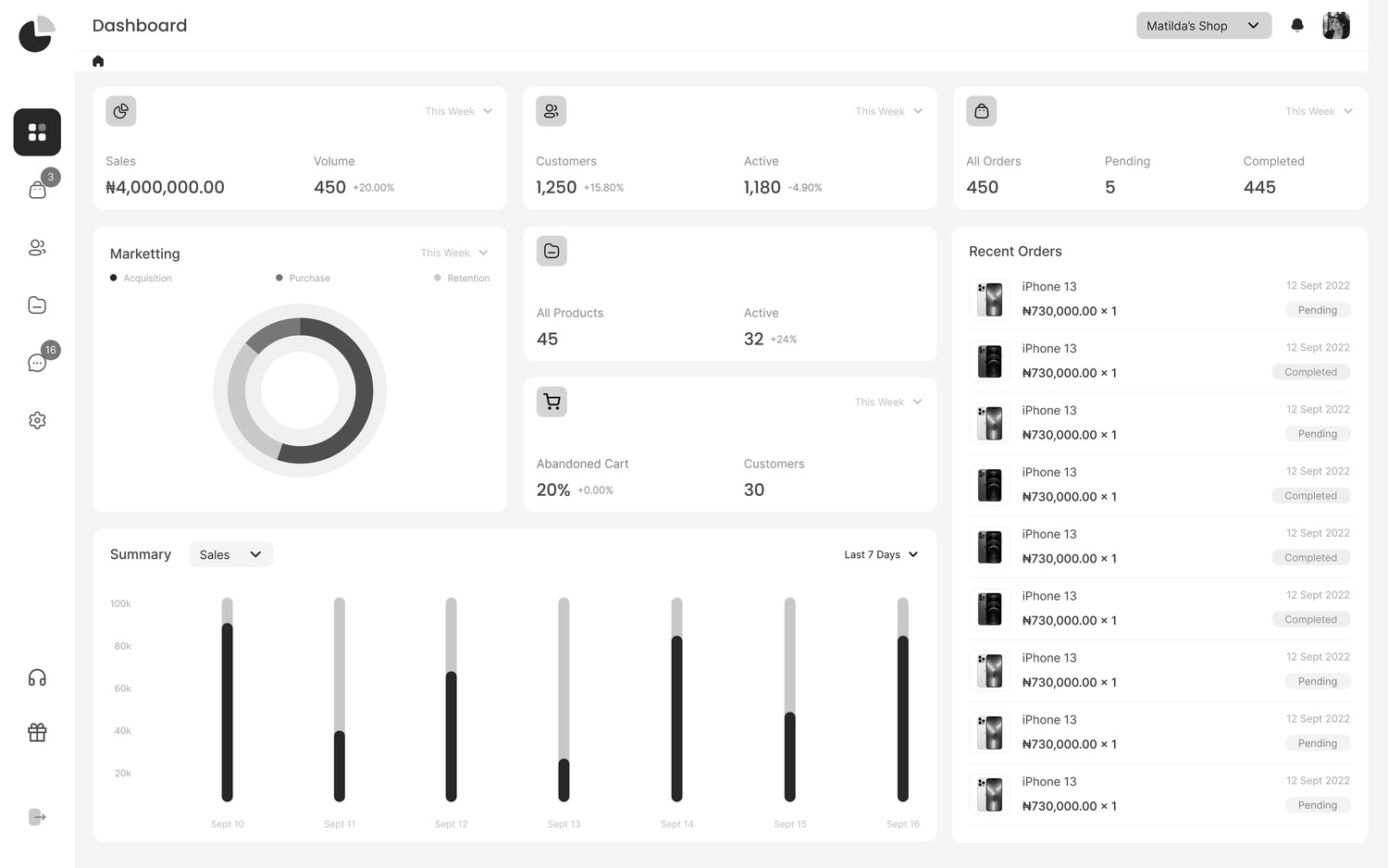
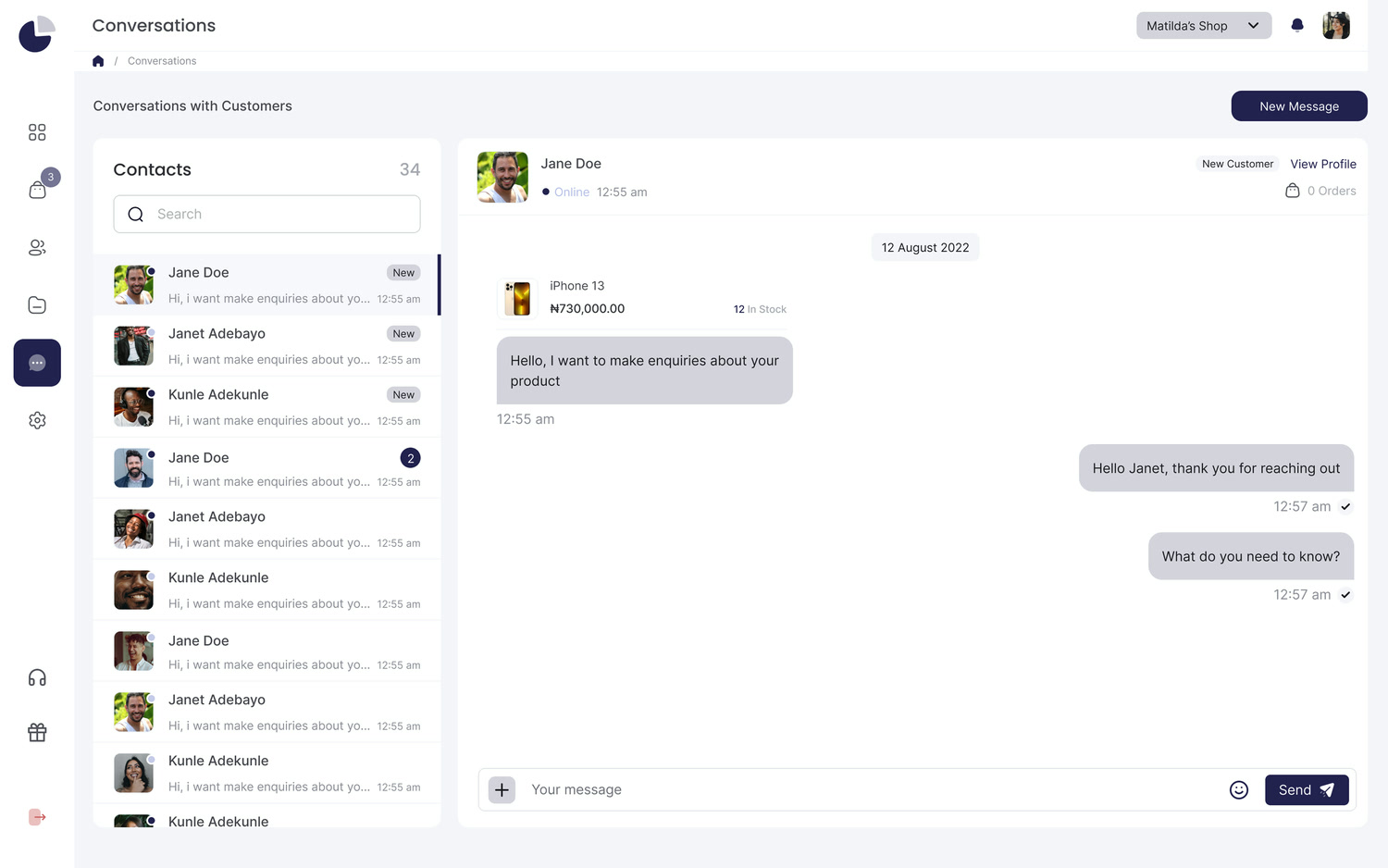

Ask for a change.
The same walkthrough updates
Software changes and so do audiences. Ask for the edit in plain words instead of starting over.
Translate it in one reply
Ask for another language and the step text, callouts, and voiceover change together. Voiceover is available in 28 languages.
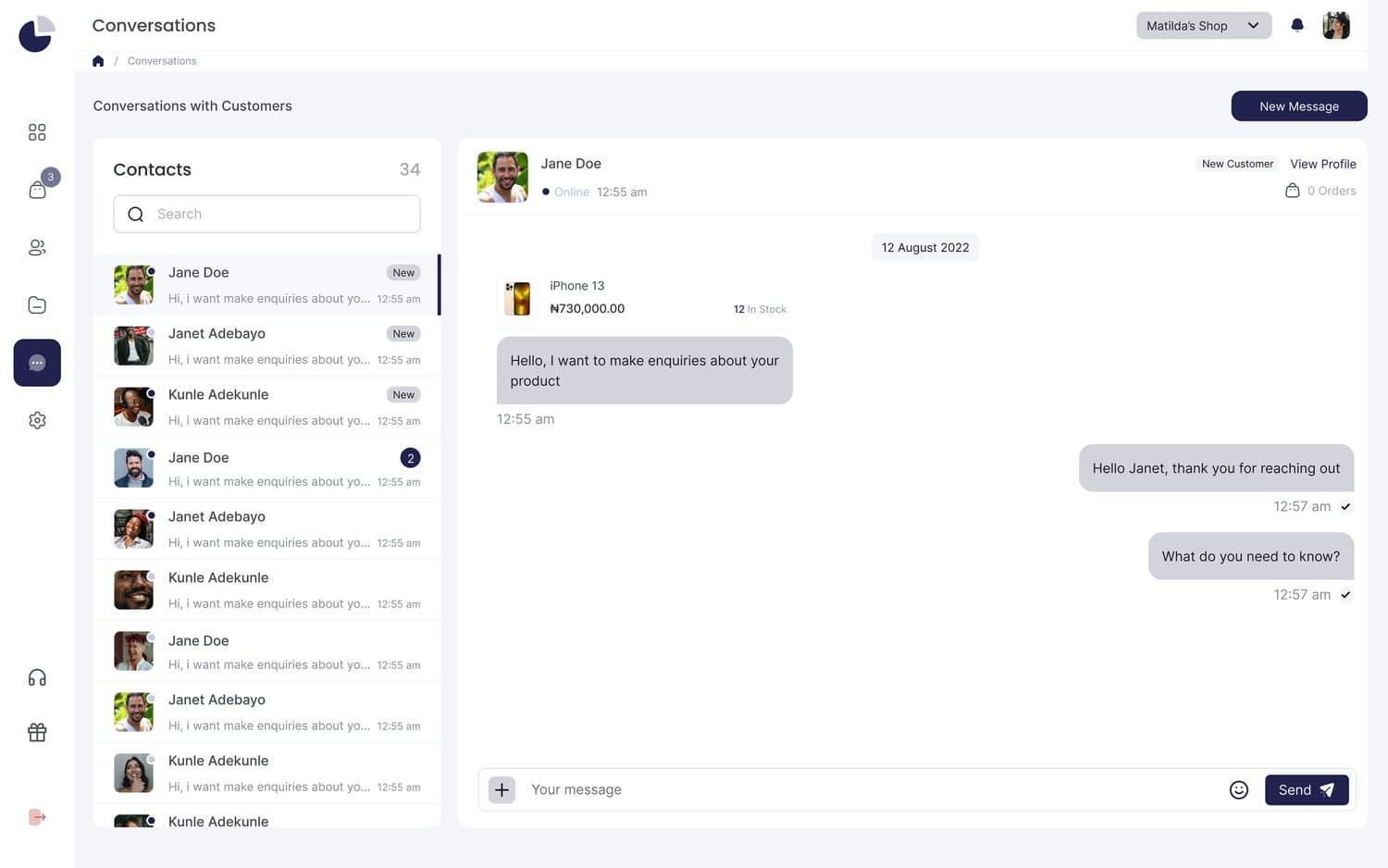
Change any callout
Say which step and what the callout should say. Agent rewrites that callout and leaves the rest of the walkthrough as it was.
Blur sensitive data
Ask Agent to blur customer names, faces, and messages before you share. Nothing private goes out with the link.
Use your brand colors
Ask for your brand colors and the callouts, hotspots, and buttons switch over. Agent takes them from your Brand memory.
Frequently asked questions
What is Layerpath Agent?
Agent turns a request plus screenshots or a recording into an interactive walkthrough you can share as a tour, read as a guide, or export as a video. You ask for it where you already work and change it the same way.
Where can I use Agent?
In Slack, by tagging @Layerpath in a channel or thread. In Claude and ChatGPT, by asking in a chat. And right inside Layerpath.
What can I give it?
A short request and the material you already have, like screenshots or a screen recording of the workflow.
What does Agent build?
A walkthrough with ordered steps, hotspots, and callouts, in your brand. Share it as an interactive tour, read it as a guide, or export it as a video.
Can I change it after Agent builds it?
Yes. Ask for the change where you made it, like a shorter callout or a fix to one step, and the same walkthrough updates. You can also open it in the editor and adjust anything before you share the link.
Does it work in other languages?
Yes. Ask for a translation. Step text, callouts, and voiceover are translated together, with voiceover in 28 languages.
Can Agent hide sensitive data?
Yes. Ask Agent to blur customer names, faces, messages, or anything else private, and it blurs them before you share.
Will the walkthrough match our brand?
Yes. Agent uses your Brand memory for your logo, colors, terminology, and tone, so every walkthrough it creates or edits stays on brand.
Stop explaining. Start tagging
The next time someone asks how something works, answer with a walkthrough.
Ask Agent in Slack, Claude, or ChatGPT and share one link.