Turn a ChatGPT chat into
a walkthrough.
Ask ChatGPT with screenshots or a recording.
Get a walkthrough beside the chat, and change it by asking.
How it works in ChatGPT.
Four steps, all in the chat.

Pinned
Recents
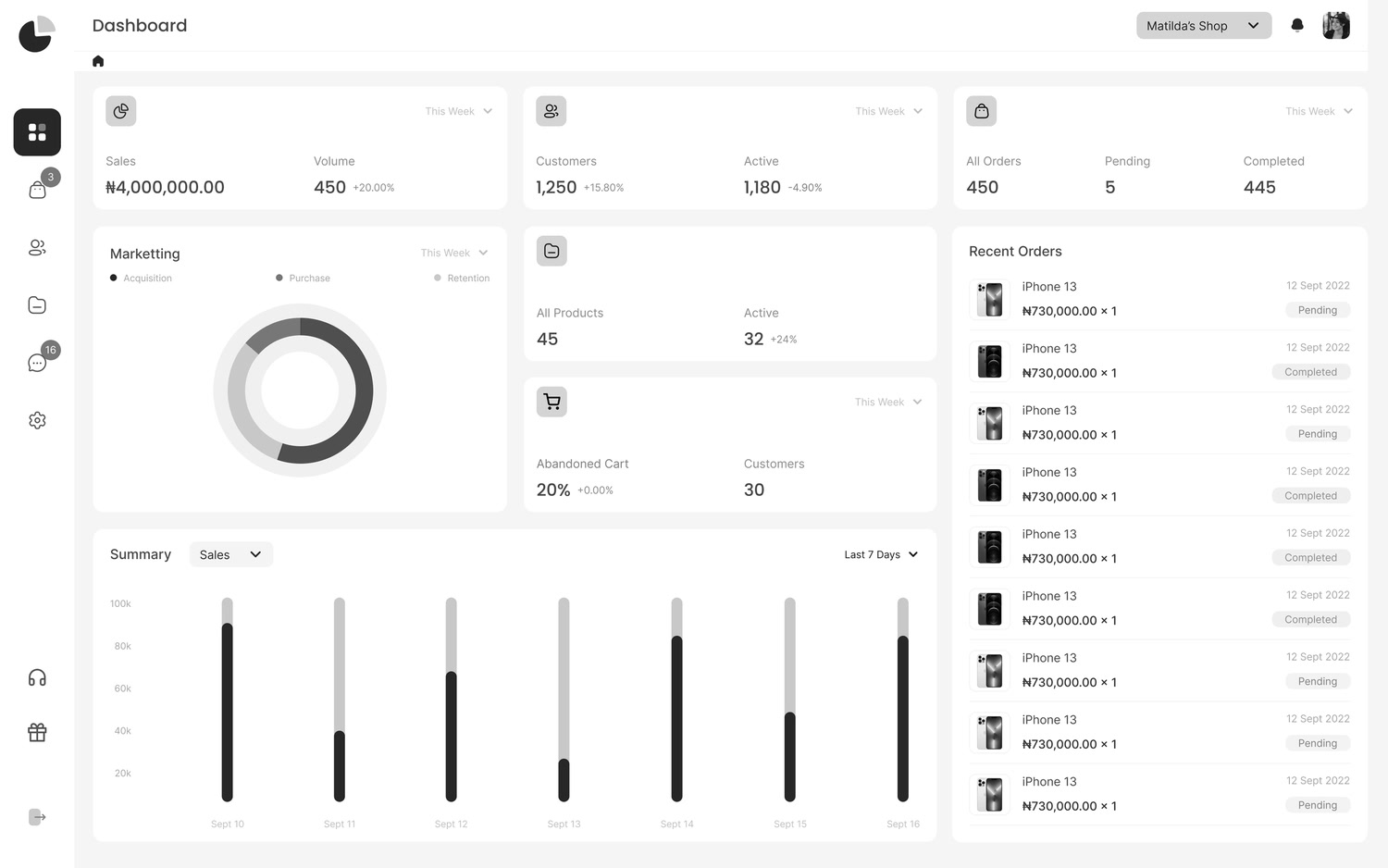
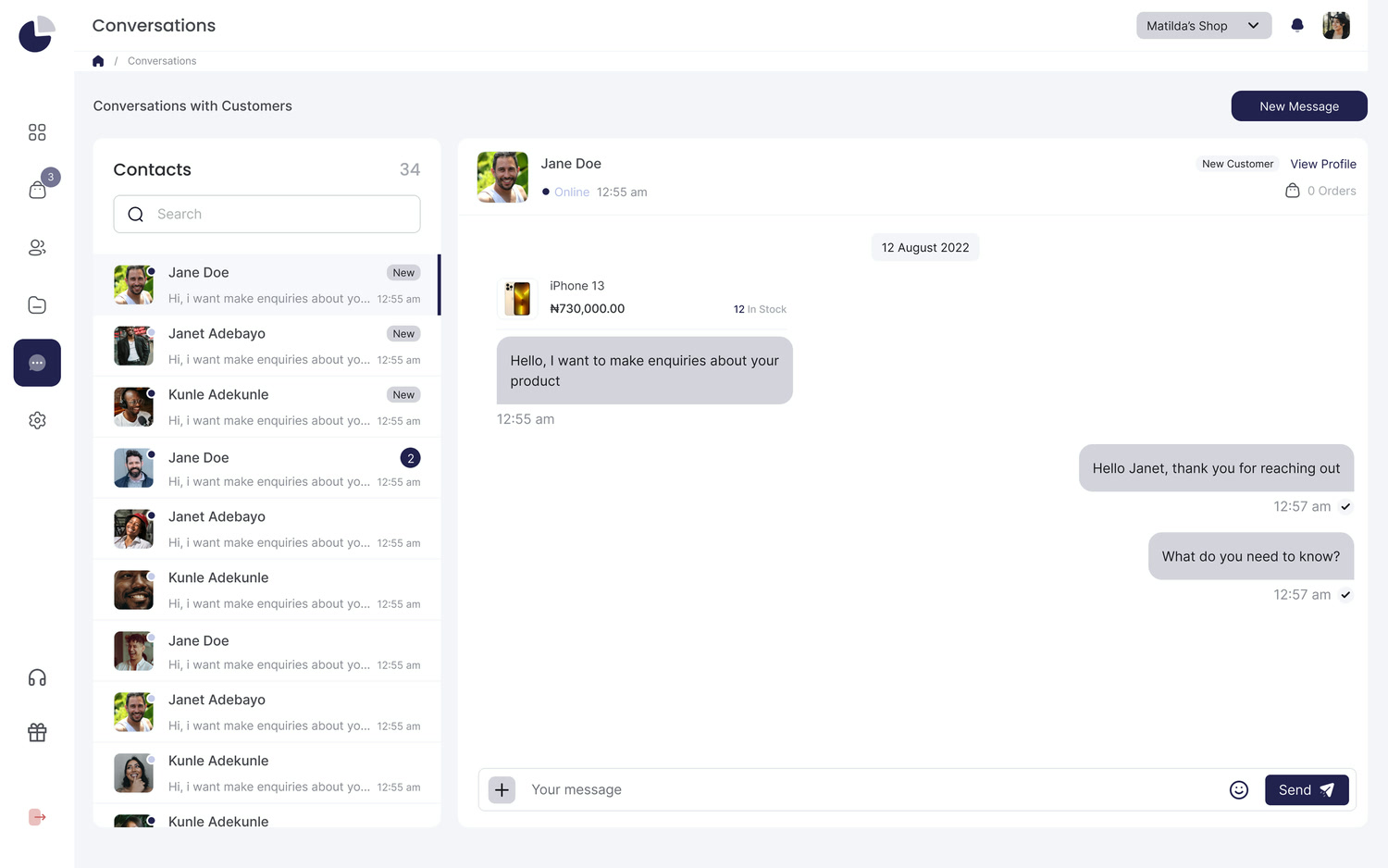
 Layerpath
 ChatGPT can make mistakes. Check important info.
Just ask in the chat.
Agent takes it from there.
Ask in plain words, and the same walkthrough updates.
Ask it to blur
Ask “blur the customer data” and names,
faces and messages are hidden.

 Sure, on it.Done. All customer data is blurred.
 Reply to a Customer Chat in Constructor X OpenEditShareReading the demo…
Ask for a voiceover
Ask “add a voiceover” and every step gets narration you can play.
Sure, adding a voiceover.Done. Every step has a voiceover now.Reply to a Customer Chat in Constructor X OpenEditShareReading the steps…Ask to translate
Ask “translate it to French” and steps,
callouts and voiceover change.
Sure, translating it now.Done. Here it is in French.Répondre à un chat client dans Constructor X OpenEditShareReading the steps…Ask for a video
Ask “turn it into a video” and get an MP4
you can download and share.
Sure, making the video.Done. Your video is ready.Reply to a Customer Chat in Constructor X.mp4DownloadShareReading the demo…One agent. Start in ChatGPT,
keep going anywhere.
Pick up the same walkthrough in Layerpath, Slack or Claude.



InviteJoin the first teams
Bring Agent
to your team.
Join the waitlist for Layerpath Agent. Tell us what your team keeps explaining. Already using Layerpath? You can join too.
Agent in ChatGPT,
explained.
Everything you need to know about using Layerpath Agent in ChatGPT.
What is Layerpath Agent for ChatGPT?
Layerpath Agent turns screenshots, screen recordings and video links into interactive walkthroughs, right in ChatGPT. Ask for a walkthrough in a chat, and it opens beside the conversation, in your brand.
How do I use Layerpath in ChatGPT?
Join the waitlist on this page. The team will contact you with access and help you connect Layerpath to ChatGPT.
How do I create a walkthrough in ChatGPT?
Ask ChatGPT for a walkthrough and attach screenshots or a screen recording. Agent writes the steps and callouts and shows the walkthrough in the chat.
Where does the walkthrough show up?
In the chat, with the walkthrough open beside the conversation so you can click through it right away.
Can I edit a walkthrough after Agent creates it?
Yes. Ask for what to change, like shorter, simpler steps, and the same walkthrough updates. You can also open it in the Layerpath editor and change anything by hand.
What can I give Agent to make a walkthrough from?
Screenshots, a screen recording, or a Loom or YouTube link. Share them in the chat and Agent works from there.
Can Agent blur customer data in screenshots?
Yes. Ask Agent to blur the customer data and it hides names, faces and messages. Review the walkthrough before you share it.
Can Agent translate a walkthrough into other languages?
Yes. Ask for a language and the steps, callouts and voiceover are translated together. Voiceover is available in 28 languages.
Can I add a voiceover to a walkthrough?
Yes. Ask Agent to add a voiceover and every step gets narration you can play in the walkthrough.
Can I turn a walkthrough into a video?
Yes. Ask Agent to turn it into a video and you get an MP4 you can download and share anywhere.
How do I share a walkthrough with a customer?
Ask Agent for a link. Send that link to your customer, and they can open the walkthrough without a Layerpath account.
Can I add the walkthrough to a help center?
Yes. Ask ChatGPT to add it to your help center, and Agent publishes it and returns the link.