Give customers the steps,
not another call
Turn the workflows you explain on onboarding and support calls into walkthroughs, guides, and videos customers follow on their own. After a release, edit only the steps that changed.
Start creating





From a repeat question
to a walkthrough you can send
Create
Use screenshots, a recording, or a Loom link of the workflow customers ask about. One project gives you a walkthrough, a step-by-step guide, and a video export.
Customize
Edit the callouts, add voiceover in any of 34 languages, and ask Layerpath Agent to blur names and email addresses. Review it before you share it.
Share
Send the link after a call, or embed it in your help center or knowledge base, so the next customer who asks gets the same steps.
One answer for every
customer who asks
Customers get the same steps on a call, in a ticket reply, or in your help center. When the software changes, edit the steps that changed, not the whole library.
Onboard customers without another call
Give each new customer a walkthrough of the setup steps they need, before or after the kickoff call. They click through at their own pace and come back when they get stuck.
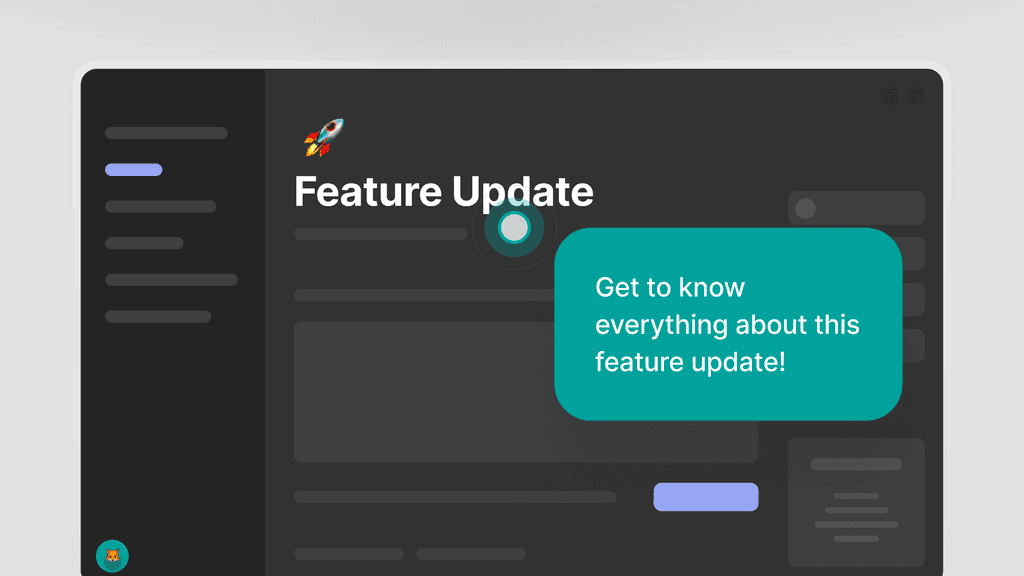
Send a link, not a screen-share
Turn the how-to questions your team answers on every call into walkthroughs and step-by-step guides. Send the link instead of sharing your screen again.
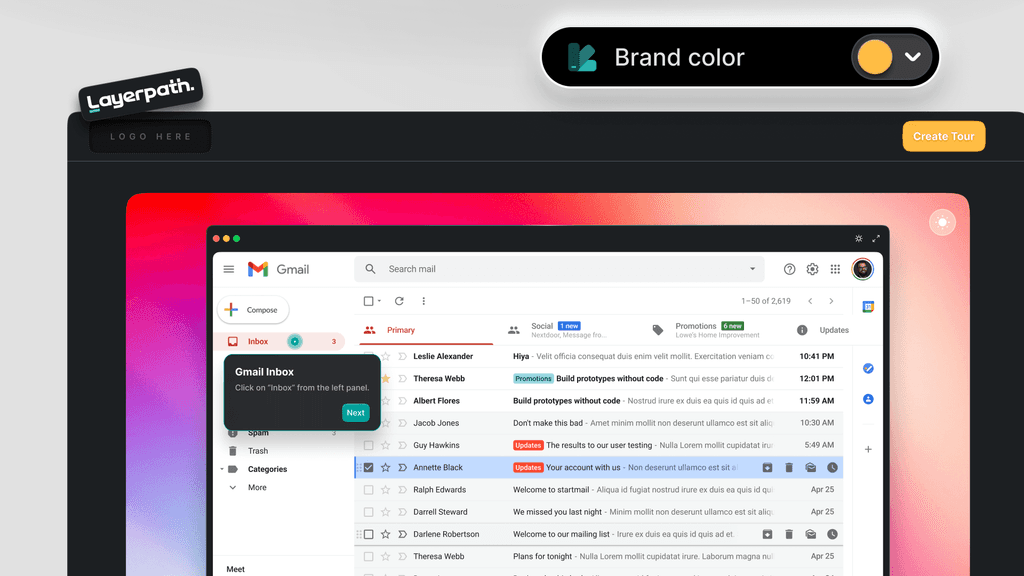
Edit only what changed after a release
When a release changes a screen, fix the steps that changed by hand or by asking Agent, instead of recording it all again. Export the video again when you need it.
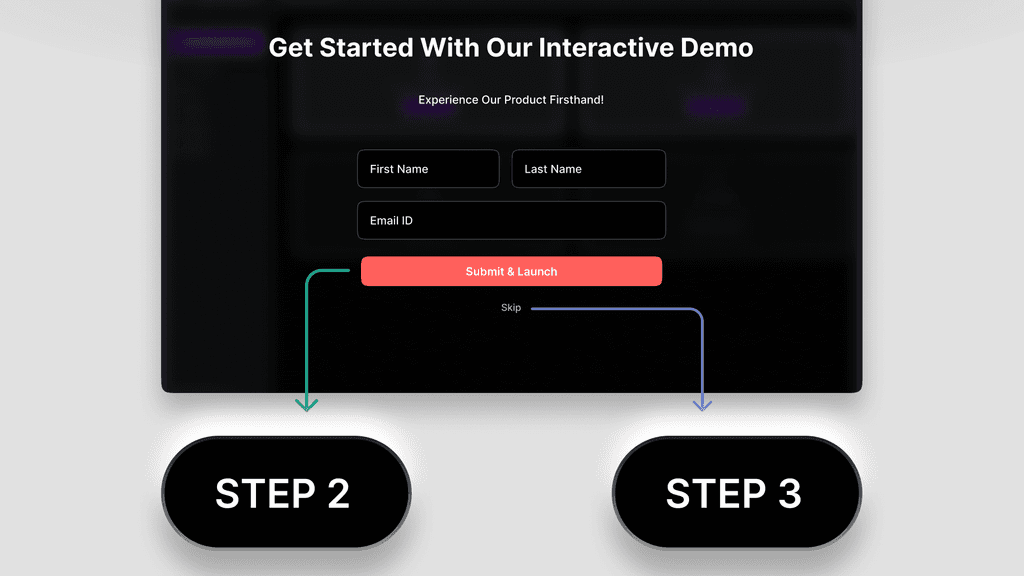
Teach unused features before renewal
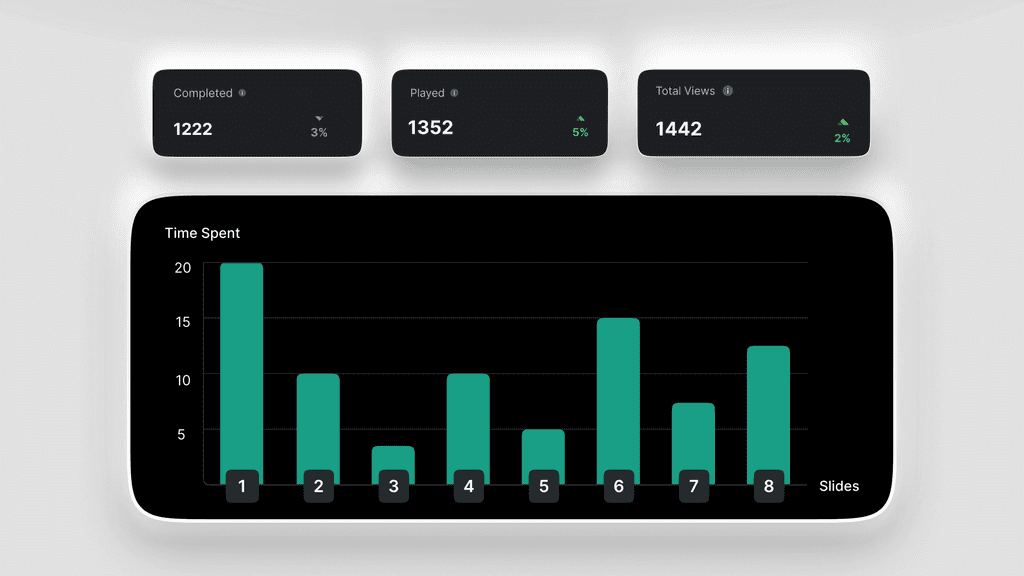
Send a walkthrough of a feature a customer hasn't set up yet, ahead of a check-in or renewal call. Drop-off rate and step view data show where viewers stop, across everyone who opens it.
Everything
behind the walkthroughs
Create with Agent
Turn screenshots, a recording, or a Loom link into an editable project.
ExploreRecord your screen
Capture a workflow with the Chrome extension and narrate it as you go.
ExploreThe editor
Arrange steps, edit callouts inline, and add voiceover where you can see it.
ExploreBrand memory
Set up your logo, colors, and tone, then use them in new projects.
ExploreInteractive walkthroughs
Let customers click through the product on their own, at their own pace.
ExploreStep-by-step guides
Hand customers a numbered guide with a screenshot and instruction for each step.
ExploreTurn the repeat call
into a link
Record the workflow customers keep asking about, shape it into a walkthrough,
and send the link to the next customer who asks.