Onboard every client's team
without repeating yourself
Turn the workflows you teach each client into walkthroughs, guides, and videos their team can follow on their own. Reuse them when the next client runs the same workflow. When the software changes, edit only the steps that changed.
Start creating





Build it once,
reuse it across clients
Create
Use screenshots, a recording, or a Loom link of a workflow you teach clients. One project gives you a walkthrough, a step-by-step guide, and a video export.
Customize
Edit the callouts and add voiceover. If you recorded in a client's account, ask Layerpath Agent to blur names and email addresses, then review it before you share it.
Share
Send the link, or embed it in the client's help center, knowledge base, LMS, or Notion, so their team finds the steps where they already look.
One walkthrough per workflow,
not per client
Each client's team can click through the walkthrough, read the guide, or watch the video. When the software changes, edit the steps that changed, not the whole library.
Skip the repeat training session
Instead of running the same training call for every new client, send their team a walkthrough of each workflow you set up for them. People who join the client's team later can use the same walkthrough to learn the workflow.
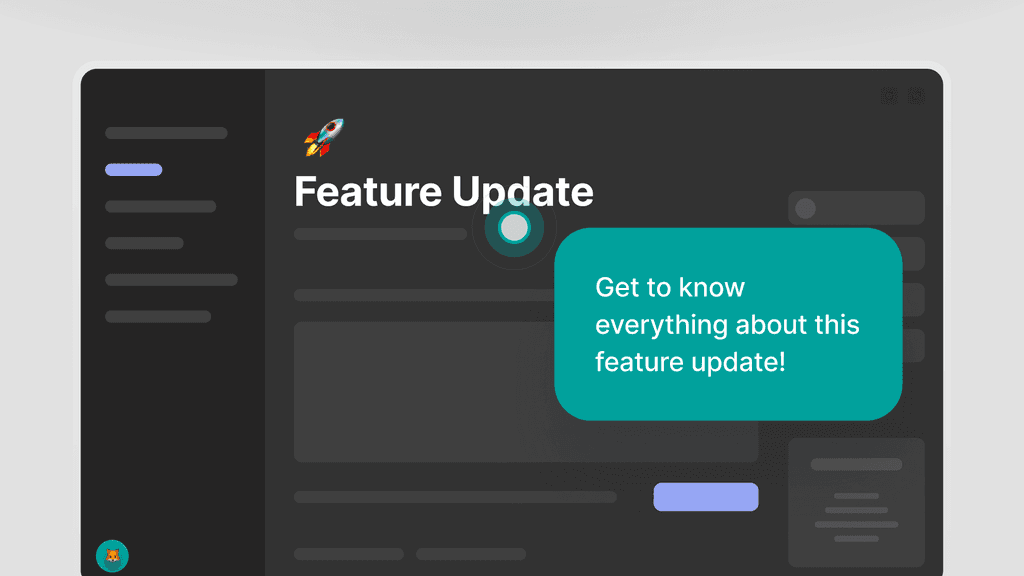
Reuse it with the next client
Build one walkthrough for each workflow you teach and share it with every client whose setup matches. Where you can, record it in your own account, not a client's, so there's no client data to blur.
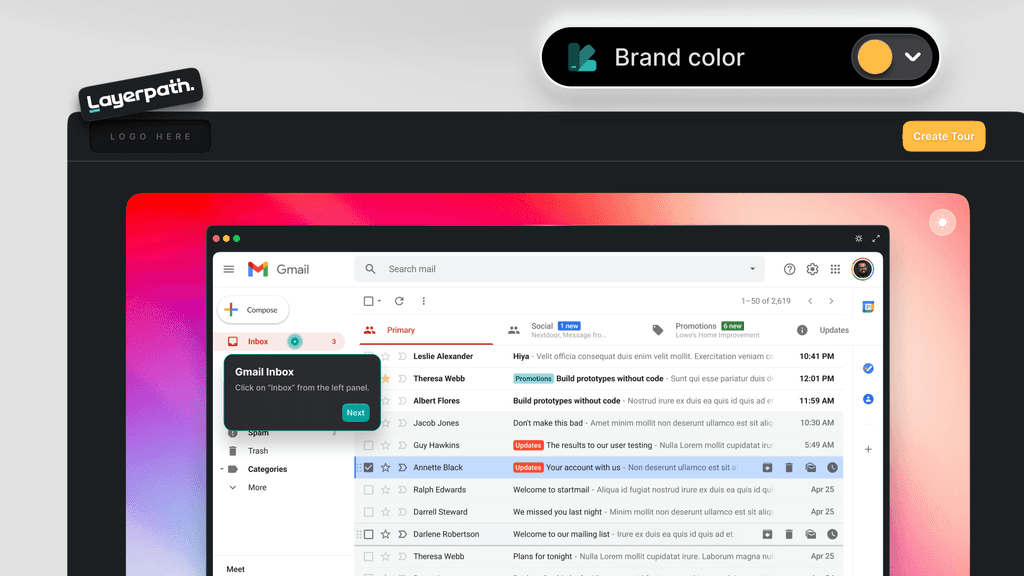
Edit only the steps that changed
When the vendor ships an update or you change a client's setup, fix the steps that changed by hand or by asking Agent, instead of recording it all again. Export the video again when you need it.
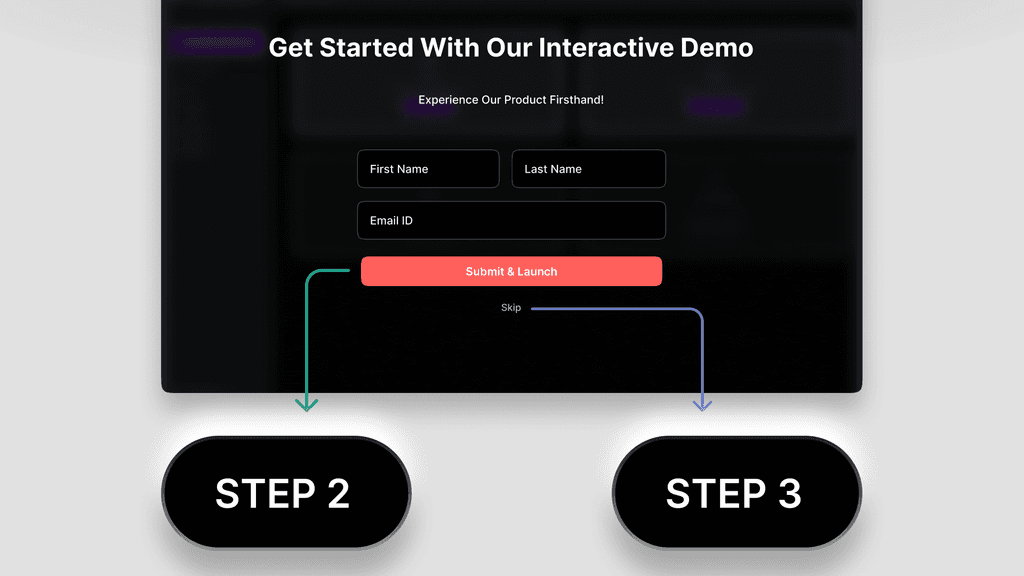
Train client teams in their language
For client teams that work in other languages, add voiceover in any of 34 languages. Ask Agent to translate a walkthrough, and the steps, callouts, and voiceover change together.
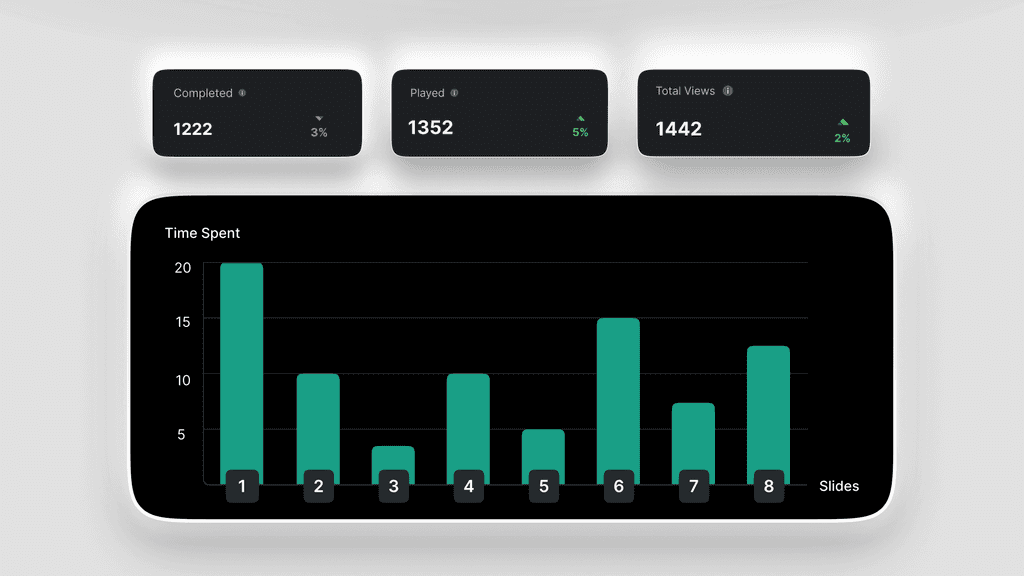
Everything
behind the walkthroughs
Create with Agent
Turn screenshots, a recording, or a Loom link into an editable project.
ExploreRecord your screen
Capture a workflow with the Chrome extension and narrate it as you go.
ExploreThe editor
Arrange steps, edit callouts inline, and add voiceover where you can see it.
ExploreBrand memory
Set up your logo, colors, and tone, then use them in new projects.
ExploreInteractive walkthroughs
Let client teams click through the software on their own, at their own pace.
ExploreStep-by-step guides
Hand client teams a numbered guide with a screenshot and instruction for each step.
ExploreTrain the next client's team
with a link
Record a workflow you teach clients, shape it into a walkthrough,
and send their team the link.